









Pick the print size from where guests will stand
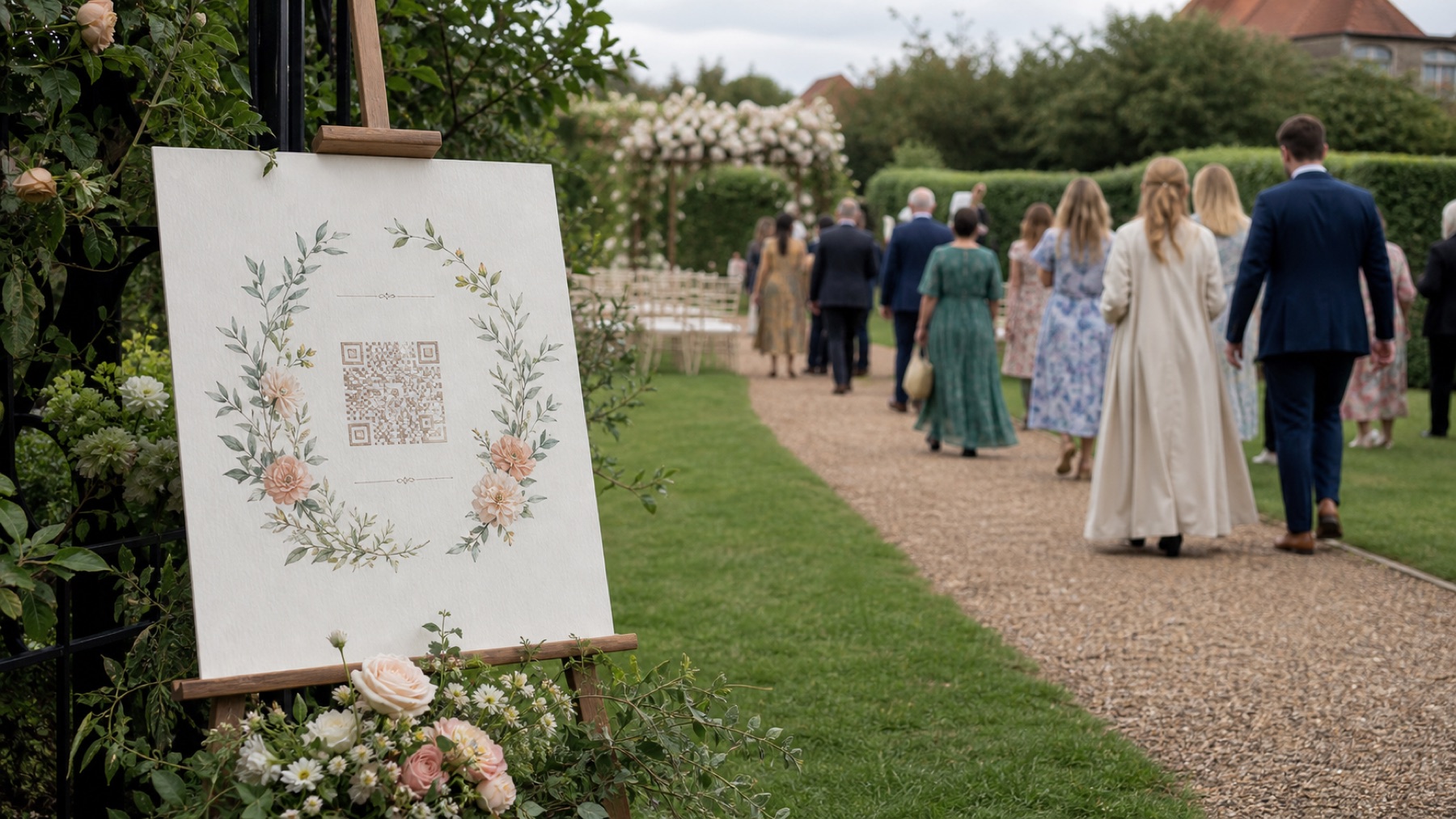
Sign size is a scanning decision before it is a design one. A printed QR code stays reliable up to roughly ten times its own width, so an A4 sign with a 105 mm code works from about a metre away — fine on a table, useless across a room.
Work backwards from the distance. A welcome sign people read while queueing needs A3. A card on a dinner table only ever gets read from arm's length, so A6 is plenty. The designer shows the scan distance for the size you choose, so you can check it before you print anything.
- A3 for a welcome sign or an easel people approach
- A4 for a bar, guestbook or photo table
- A5 or US Letter for a shelf, mantelpiece or windowsill
- A6 for a card on each dinner table
Check contrast against reception light, not your screen
Most wedding signs are designed on a bright laptop and used in a dim room. Soft neutrals that look elegant on screen — taupe on cream, dusty rose on blush — often fall below what a phone camera can separate once the lights come down.
The designer calculates the contrast ratio between your chosen ink and background and warns when it drops too low. Dark ink on a light background is the safest combination, and it is worth resisting an inverted design: a light code on a dark sheet works on some phones and fails on others.
- Aim for a ratio of 7:1 or higher for evening lighting
- Dark code on a light background, not the reverse
- Leave the quiet margin around the code clear of decoration
- Avoid printing the code over a photograph or texture
Write wording guests read in one pass
A guest reads a sign once, walking. The wording has one job: say what to do and what it is for, in a line short enough to take in without stopping.
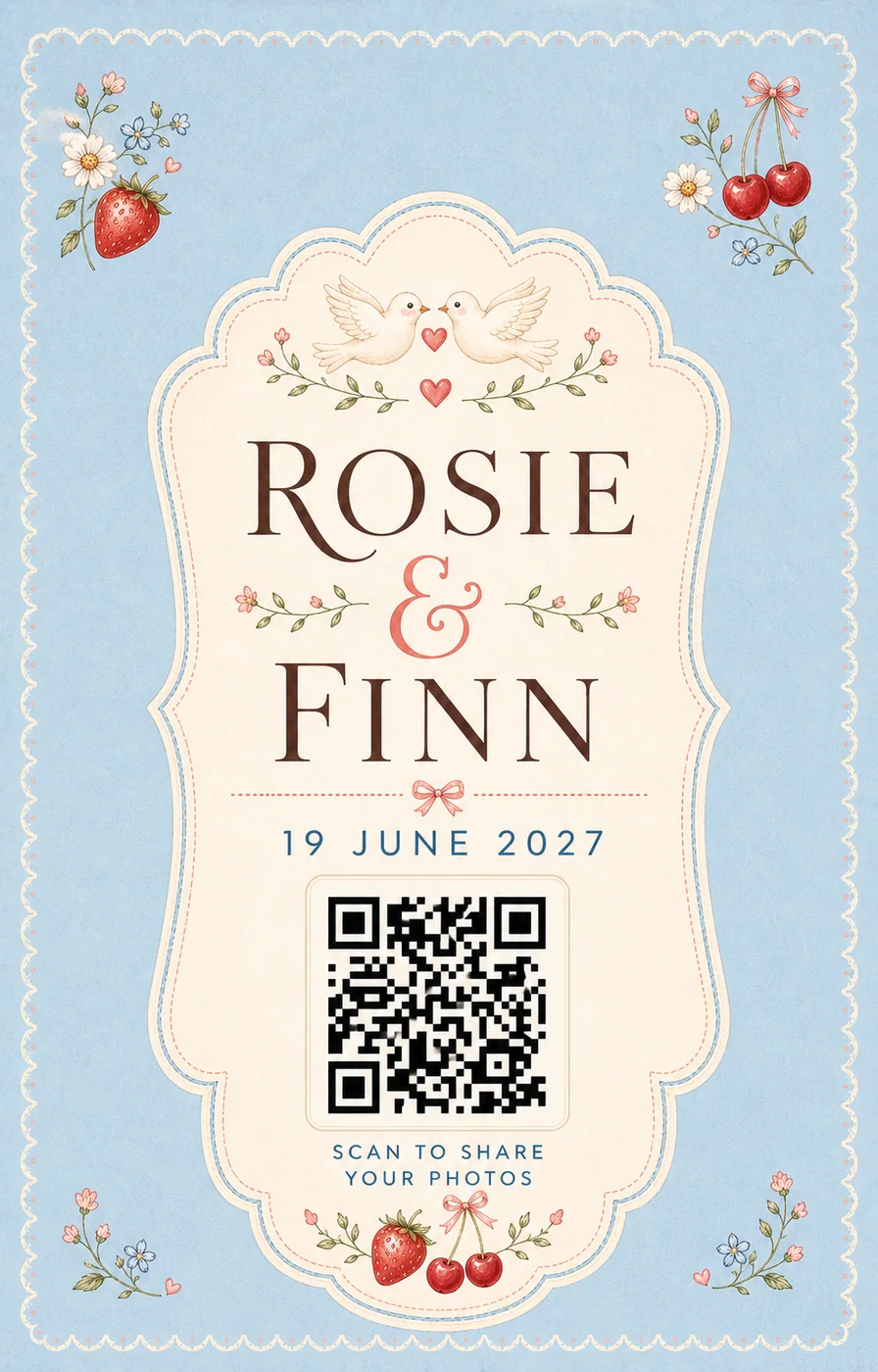
Name the couple, then give a single instruction. "Scan to add your photos" outperforms a paragraph explaining the album, and it beats a hashtag because it names an action rather than a convention. If people might hesitate, the most useful thing to add is the reassurance that there is nothing to install.
- One instruction, not a paragraph of explanation
- Say "no app, no account" if there is room
- Print a short typed web address under the code as a fallback
- Keep the couple's names at the top so the sign reads as yours
Plan where every sign goes
One sign by the door collects very little, because guests walk past it while carrying a gift and looking for their name. Codes work where people are already still: waiting, sitting or queueing.
Table cards are the strongest placement at most weddings, because guests have unfilled time between courses. Add a sign wherever there is already a queue or an activity, and download the placement plan to hand to whoever sets the room up.
- Welcome area, where guests wait to find their table
- Every dinner table, read between courses
- The bar, where a queue forms anyway
- Beside the guestbook or photo table
- The washroom mirror — small, and surprisingly effective
Test the printed sign, not the file
Print one copy before you order thirty. Put it where it will actually stand, at the height it will stand, and scan it with a phone that has never opened the link — signed out, on mobile data rather than venue Wi-Fi.
Then check it in the light it will live in. A sign tested at midday by a window can behave differently under warm evening lighting or beside a candle. If a scan takes more than a moment, make the code bigger before you make the design prettier.
Questions, answered
What size should a wedding QR code sign be?
Match the size to the reading distance: a printed code scans reliably from about ten times its own width. A6 table cards work at arm's length, A4 suits a bar or guestbook table, and A3 is right for a welcome sign people approach from across a room.
How big should the QR code be on a wedding sign?
For a welcome or standing sign, 100 mm (about 4 inches) is a useful starting point; go larger when guests will scan from farther away. This designer places a roughly 105 mm code on A4, 108 mm on US Letter and 149 mm on A3. For a small place card, use the table-card maker instead and test the finished card at arm's length.
What file format should I use for printing?
Download the SVG. It keeps the QR code sharp at the physical size selected in the designer and is the best file for a print shop or stationery editor. Do not use a screenshot; if a printer requires a bitmap, ask them to rasterise the SVG at the final print size.
Will this work with my wedding website or upload page?
Yes. The designer accepts any valid URL, including a wedding website or guest upload page from services such as The Knot, Zola, Joy, Minted or Squarespace. Paste the guest-facing link, not an owner dashboard address, and test it while signed out before you print.
Will the QR code still work after the wedding?
The code is static: it stores the URL directly rather than relying on a separate QR subscription or redirect. It will keep working for as long as that destination remains live. Your album provider's own access rules, expiry date or privacy settings still apply to the page behind the code.
Is this wedding QR sign designer free?
Yes. You can create and download the SVG without an account, email address or watermark. The designer creates the code and printable sign; any separate cost or account requirement comes from the website or album service you choose as the destination.
What colours work for a wedding QR sign?
Dark ink on a light background, with a contrast ratio of 7:1 or better. Soft wedding palettes often look fine on a bright screen and fail under dim reception lighting, which is why the designer warns when your chosen colours drop too low.
Where should we put wedding QR code signs?
Where guests are already standing still: the welcome area, each dinner table, the bar queue and beside the guestbook. A single sign by the entrance is the most common mistake, because people walk past it while carrying things.
Do we need a QR code sign at all?
A printed code is the easiest way to reach guests who are not in a group chat, and it works without anyone typing anything. Send the same link as a message the next morning too — that is when most uploads arrive.