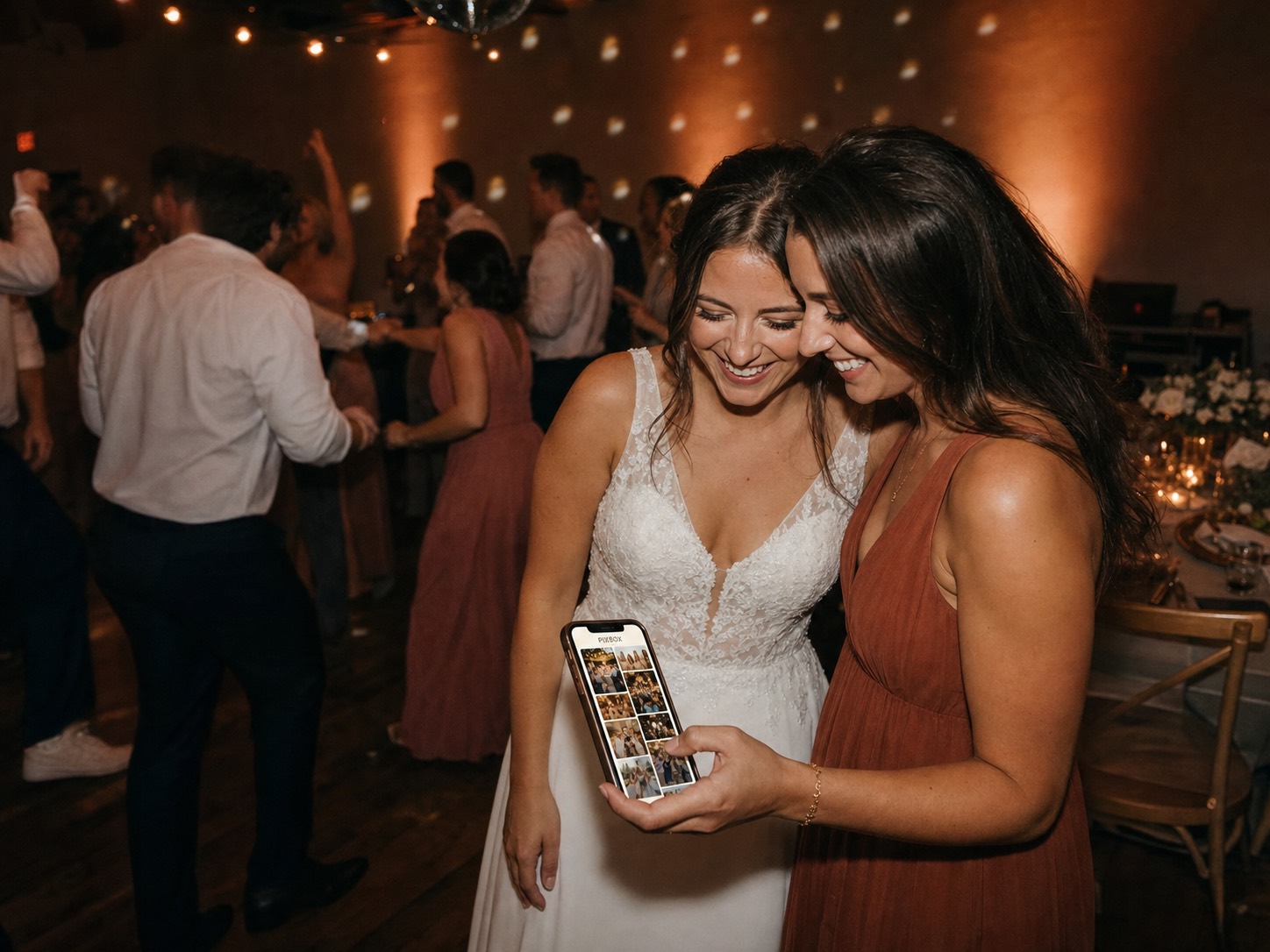
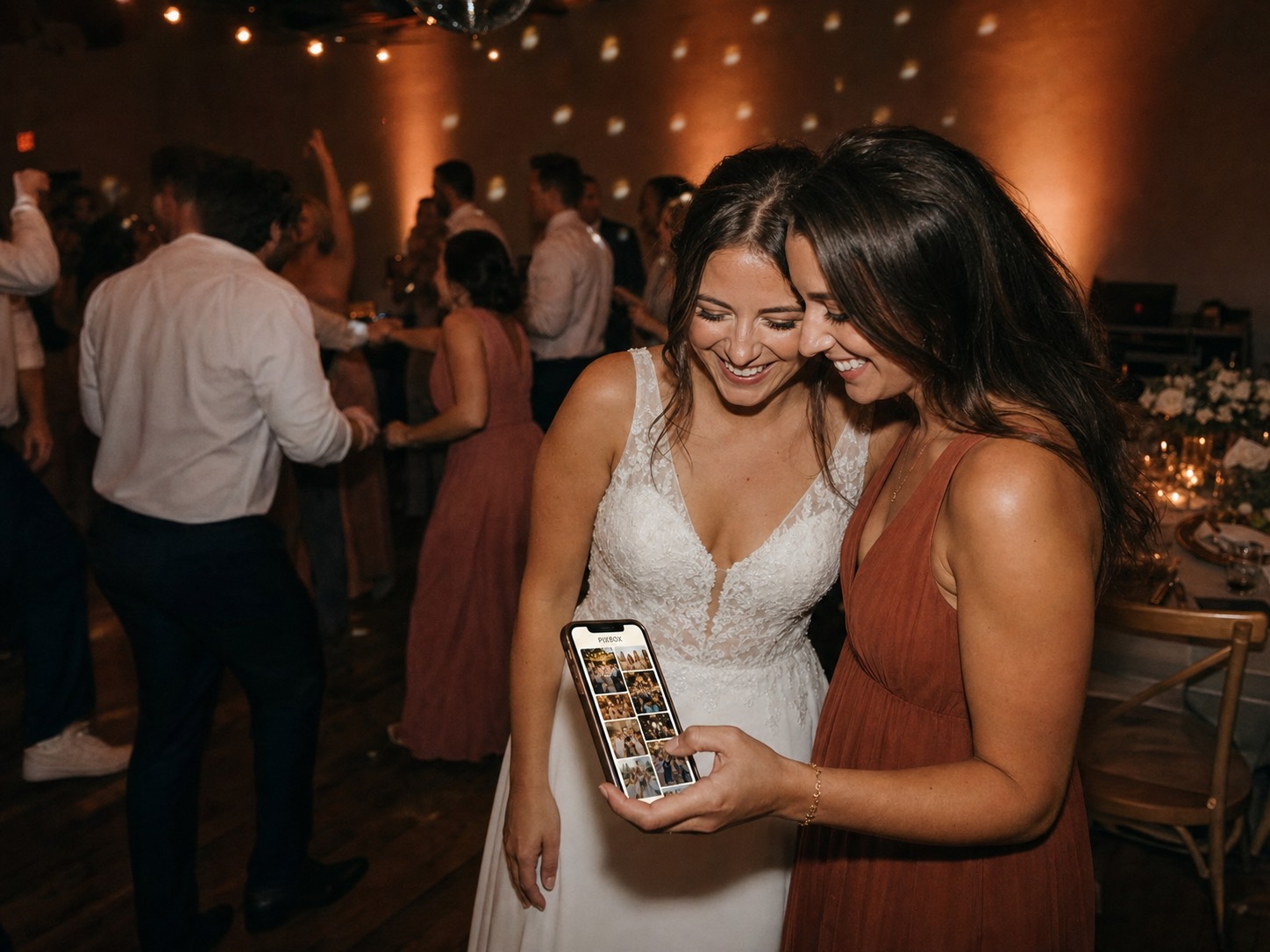
Create your album
Add your names and date. Your private QR code, table cards, and welcome sign are ready before the seating plan is finished.
Set up in minutes, not evenings
Create the album, print the QR cards, and let guests upload straight from their browser.
Set up in minutes, not evenings
Create the album, print the QR cards, and let guests upload straight from their browser.
The setup path is short because the wedding day is not the place for instructions, passwords, or app-store detours.
Add your names and date. Your private QR code, table cards, and welcome sign are ready before the seating plan is finished.
They scan and add photos without installing a thing. Starter adds video; Standard adds voice notes.
Approve the best moments and download every memory in original quality. Standard and Premium can also run the venue slideshow. Yours to download and keep.
Everything in one place
The Wedding Pics keeps the public experience light while the private dashboard handles review, quality, downloads, and what appears on the venue screen.
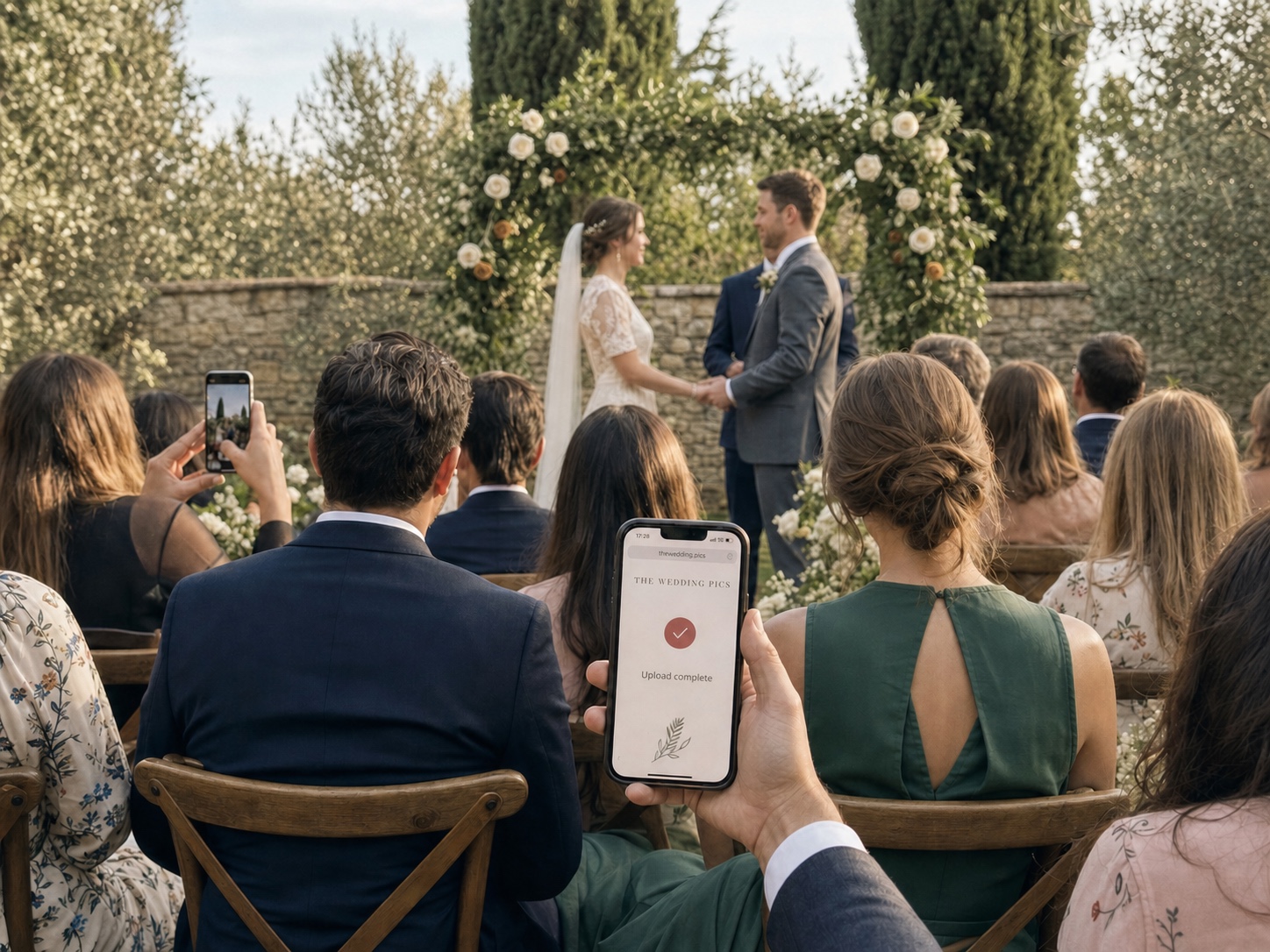
Guests scan, tap, and add photos or video from their browser — no app required.
Set the rules once, then enjoy the celebration.
Uploads preserve the original memories for export after the wedding.
Approved photos rotate on the venue screen while pending uploads stay private.
Approved · live
Collect written messages beside the gallery, with optional voice notes from the people you love.
The dashboard is built around review, download, and private exports. Take the original files with you before your plan’s storage period ends.
Pick a guest page that can feel classic, garden-soft, midnight-party, or anything between without making guests learn a new flow.
Wedding album
Amelia & James
Jun 14, 2026
Upload photos
Wedding album
Sofia & Noah
Sep 5, 2026
Upload photos
Wedding album
Mia & Leo
May 20, 2026
Upload photos
Wedding album
Ava & Ethan
Oct 3, 2026
Upload photos
Wedding album
Zara & Kai
Dec 31, 2026
Upload photos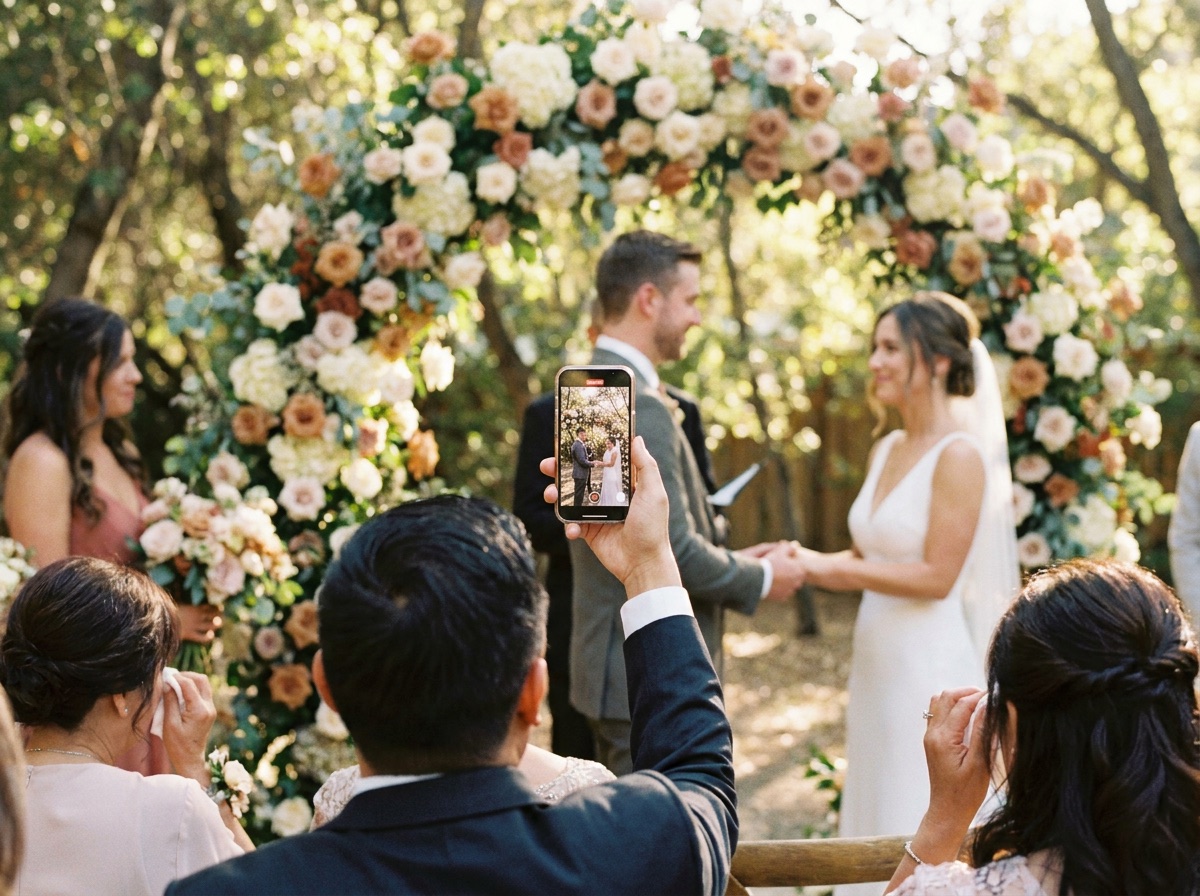
Wedding album
Lily & Theo
Jul 12, 2026
Upload photosNo. Guests scan the QR code with their phone camera, tap the link, and add their photos straight from the browser. There's nothing to install and nothing to sign up for. The flow is built to be effortless for guests of every age.
Put a card on every table and a sign at the entrance, so the QR is right in front of guests while they're seated. The Wedding Pics provides PNG, SVG, and PDF QR downloads to use in your own print layout.
Albums use a unique unlisted link. If you want extra protection, you can turn on an optional guest PIN—it stays off by default. You decide what appears in the gallery and whether guests can download. The Wedding Pics uses trusted providers to run the service; we do not sell wedding media or use it to train public AI models.
Video uploads are available on Starter and above. Voice notes are available on Standard and Premium. Written guestbook messages are available on every plan.
The couple can review the gallery after the wedding and download the original files before the plan's storage period ends. Paid plans have no file-count limit within their storage allowance. Starter adds video; Standard adds the live slideshow, audio guestbook, and more sub-albums.
Ideally 4-8 weeks before the wedding, so you have time to print the QR cards and add them to your tables.
Keep reading
The details that decide how many photos you get back.
Every candid laugh, every quiet tear, every dance-floor moment your photographer missed is sitting on a guest’s phone right now. One QR code brings them all home.
From $49 one-time. No app for guests.