Print-tested template library
Wedding QR code templates
Choose a design, add your album link and test the physical print from the distance guests will scan it.
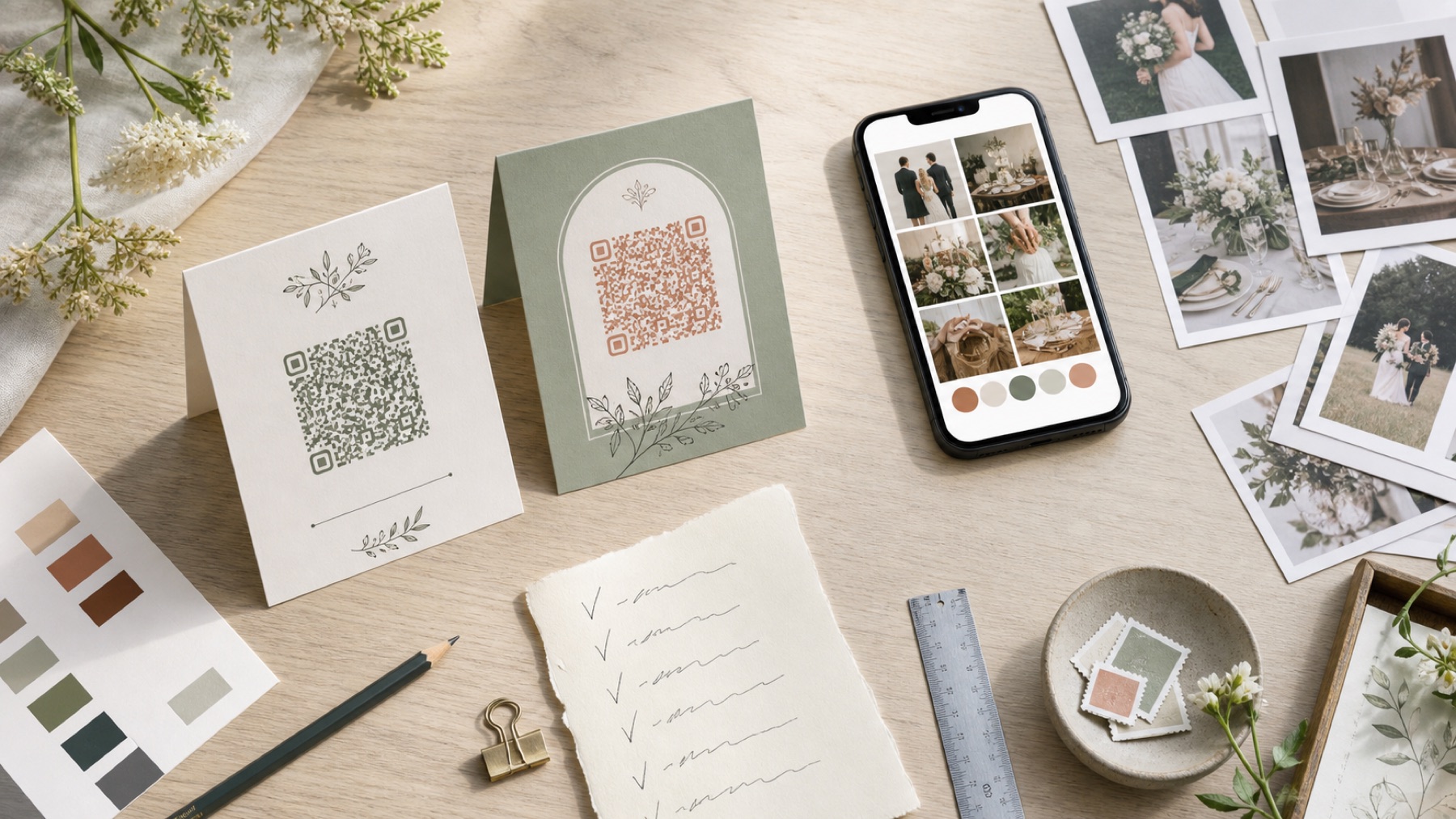
Clarity before decoration
Every template reserves sufficient quiet space around the code and uses literal upload wording.
One code, several placements
Use the same destination on welcome signs, table cards and the morning-after message.
The album completes the template
Create a The Wedding Pics album first so every scan opens a private, account-free guest upload.
Start with the final guest album link
Create your wedding album and choose its privacy settings before opening a template. Copy the guest upload link, not the couple’s dashboard. Test it in a signed-out browser on iPhone and Android. Add several photos and a large video, then confirm the owner can review and export them. A template cannot rescue the wrong destination after 100 cards have been printed.
Choose wording that makes an honest promise
Use one clear invitation: ‘Add photos and videos to our private wedding album. No app or account needed. Scan or visit [short link].’ Change every claim to match your service. If approved uploads are visible to invited guests, say so. If only the couple can see contributions, say that instead. Avoid an unexplained code or a rhyme that hides what will happen.
Keep the code simple and high contrast
A dark code on a plain light background is the safest choice. DENSO WAVE calls the blank border around it the quiet zone and recommends four small code squares of clear space on every side. Keep flowers, frames, type and logos outside that border. Wedding colours can frame the template without reducing the contrast of the functional code.
Match the template to the viewing distance
A table card is scanned from arm’s length. A welcome board may be viewed several metres away and needs a much larger code. Print one proof at the final dimensions and test from the real distance. Do not assume that enlarging the paper automatically enlarges the code. Use a second, closer card when a decorative board cannot provide enough reliable scanning space.
Provide a typed link for accessible use
Nottinghamshire County Council recommends explaining a QR destination and providing a short URL alternative. Put that link directly below the code in readable type. A guest may have low vision, limited dexterity, blocked camera access or an older phone. The normal link should open the same useful guest page rather than a general website that requires another search.
Test the finished stock and holder
Download SVG for scalable professional print or a high-resolution PNG at the intended size. Order one physical proof. Gloss laminate, acrylic, metallic stock and textured paper can affect a design that worked on screen. Put the proof in its real frame or fold, then scan it under daylight and evening lighting with several phones. Ask the printer not to recolour or compress the code.
Use several placements with one destination
A welcome sign introduces the album, but guests often pass it during busy arrivals. Repeat the same code on reception tables and near places where people pause, such as the guestbook or bar queue. Keep it away from a phone-free ceremony. One album destination is easier to explain, moderate and export than separate links created for every sign.
Finish the collection after the wedding
Ask the setup lead to scan every placement after flowers, menus and lighting are complete. Keep spare matte cards available. Send the direct album link the next morning so guests can tap it on the phone holding their camera roll and use better Wi-Fi. When uploads close, export the originals, compare the item count and make a separate backup.
One place for every angle
Let your guests tell the rest of the story.
Create one private album for every photo, video and message they capture while you are busy getting married.