Free · no signup

Wedding guest photo shot list

Choose the moments professional coverage can miss and share one practical list.
Wedding guests capturing relaxed candid moments on their phones

Build your candid shot list

Turn the plan into a working guest album

Create the destination your QR code, prompts and reminders lead to.

Create your wedding album

Give guests a different job from your photographer

Your professional photographer is responsible for agreed formal groups and essential moments. A guest shot list should concentrate on the viewpoints around them: getting-ready jokes, friends arriving, table reactions, small details and the late-night atmosphere. Do not ask guests to recreate the photographer’s brief or compete for the aisle during the ceremony.

Share the professional must-have list directly with the photographer. Use this tool for optional candid prompts that make the private guest album richer. Tell the wedding party where the boundary sits. Your guests can notice personal stories while the photographer protects timing, light and the reliable record you paid for.

Choose moments linked to real people and places

Generic lists often include 100 items and still miss what makes a wedding yours. Think about who knows each part of your story. A school friend can notice an old group reunited. A sibling can capture getting ready. A cousin at the back of dinner sees reactions the top table cannot. Choose a few prompts for each natural perspective.

Include setting details that will change: handwritten place cards, weather outside, the empty room before guests enter and shoes beside the dance floor. Remove any prompt that requires staging a private emotion. Specific does not mean intrusive. Your list should help people notice, not direct every interaction.

Keep the list short enough to remember

Choose roughly 10 to 20 prompts for the whole celebration, then give each helper only the few relevant to them. A one-page list is easier than a document nobody opens. Mark three or four as especially welcome, while making clear that no guest is responsible for a guaranteed result. They are attending your wedding, not working an unpaid shift.

Use plain names and times. ‘Auntie Sal meeting the university friends at drinks’ is more useful than ‘family candids’. Avoid asking everybody for the same first-dance shot. Different prompts create a wider story and fewer near-identical uploads.

Build privacy and phone boundaries into the prompts

Do not assign pictures in changing rooms, private prayer, medical moments or conversations guests expect to remain private. Ask before close portraits, especially involving children. If the ceremony is unplugged, keep every guest prompt outside it. A trusted designated person can capture one informal angle only when the couple, celebrant and photographer agree.

Tell contributors where files will go and whether approved pictures may appear in a gallery or slideshow. An upload to the couple does not automatically grant permission for public social posting. Your list can include a simple reminder: ‘Please ask, keep sensitive moments private and never block the professional team.’

Give every helper one tested upload route

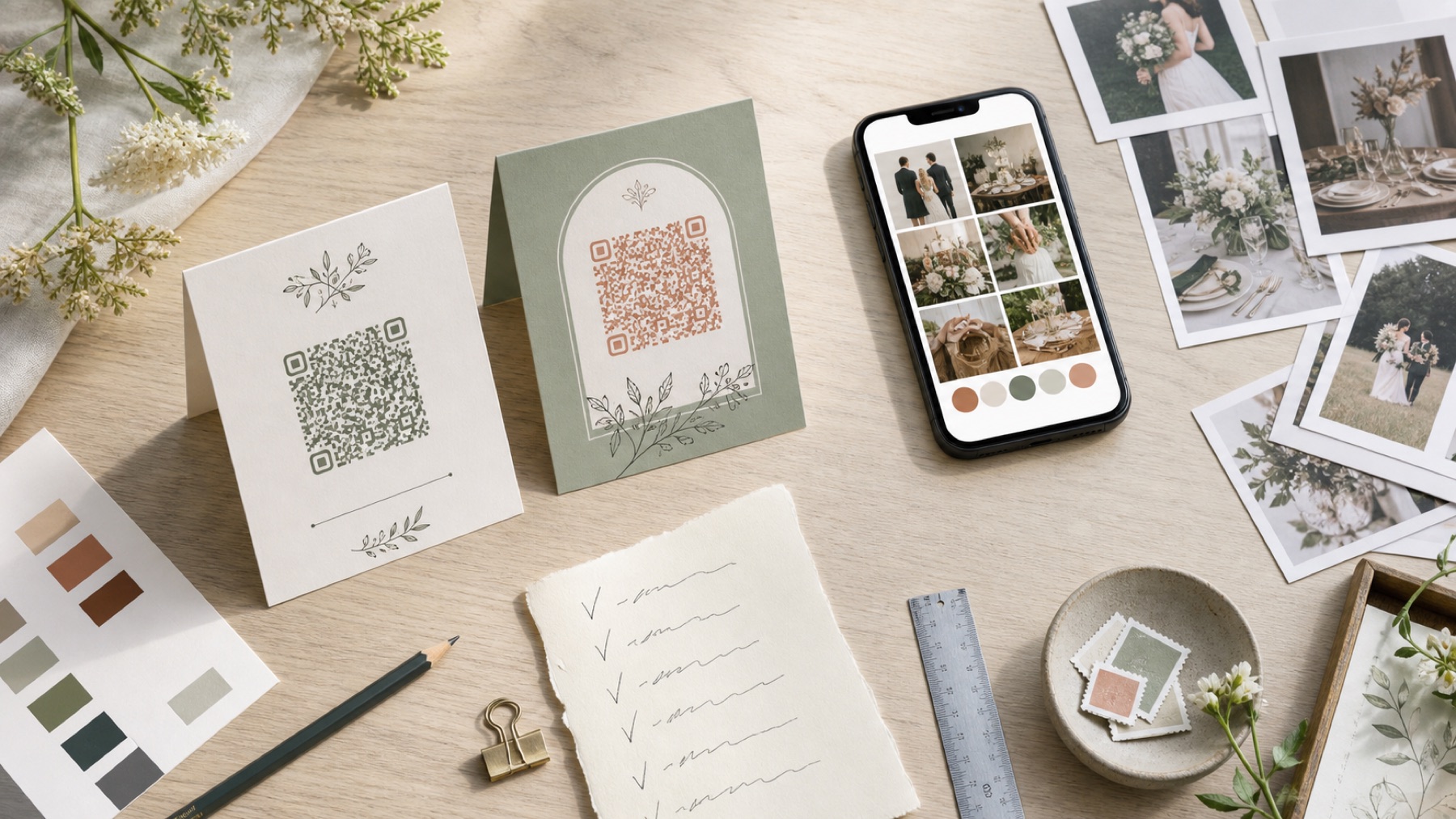
Put the same private album link on the list, reception signs and next-day message. Test it signed out on iPhone and Android. Ask helpers to upload originals instead of sending compressed messaging copies. Large videos can wait for home Wi-Fi. Keep the original on the phone until the couple confirms the final export is safe.

Invite helpers to add a caption when context matters, such as who is shown or why a small detail was meaningful. Do not make captions required for every file. Seed the album with a few examples and turn on moderation before any live display. One destination keeps the useful perspectives together.

Review for story, not technical perfection

After the wedding, export the complete collection and back it up. Sort broadly by getting ready, ceremony surroundings, drinks, dinner and dancing. A slightly blurry reaction may matter more than a polished duplicate. Keep the private archive broad and create a smaller approved family gallery. Record removal requests before you make social or printed selections.

Thank the people who covered specific moments, but do not publish a ranking. You can turn the strongest sequence into a small book section called ‘what our guests saw’. Keep original files separate from crops and edits. The list succeeds when it preserves perspectives you would otherwise have missed.

Questions, answered

How many items should a guest wedding shot list have?

Keep the whole list around 10 to 20 optional prompts and give each helper only the few relevant to their perspective.

Should guests photograph the ceremony?

Follow the couple’s phone boundary and photographer plan. Do not use a guest list to undermine an unplugged ceremony.

What moments should guests capture?

Focus on personal arrivals, reactions, table stories, changing details and late-night atmosphere that formal coverage may miss.

How should guests send the files?

Use one tested private album link and ask for original uploads. Let large videos wait for better Wi-Fi.

Can guest photos go straight onto social media?

Not automatically. Uploading privately and posting publicly are separate choices. Ask people shown before wider sharing.

Sources and context

Guidance was reviewed on 2 August 2026. Prices, product limits and venue conditions can change, so confirm the details that matter to your wedding.









