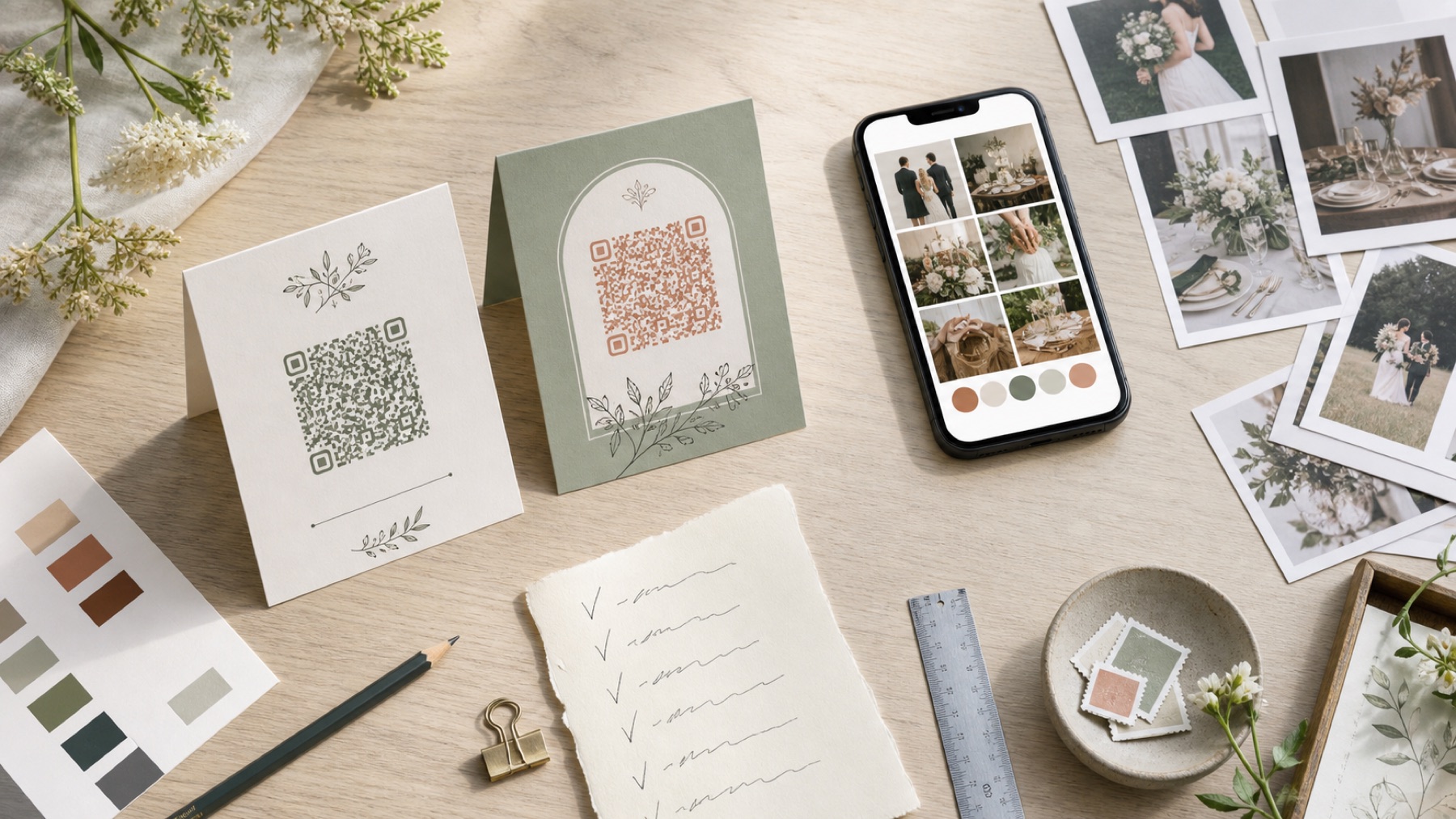
Use a table card for the moment guests can act
A welcome board introduces your photo album, but guests often pass it while carrying coats, greeting friends and finding seats. A table card stays nearby during dinner, when people have time to read and already have pictures in their camera rolls. Use the card after any phone-free ceremony rather than placing an upload prompt beside a request to put devices away.
One card for every one or two tables is a practical starting point, not a fixed rule. Large tables, long banquet layouts and dim rooms may need more. Make each card reachable without leaning across candles or food. Your aim is a gentle invitation at a useful moment, not covering every place setting with the same message.
Write a complete instruction in very little space
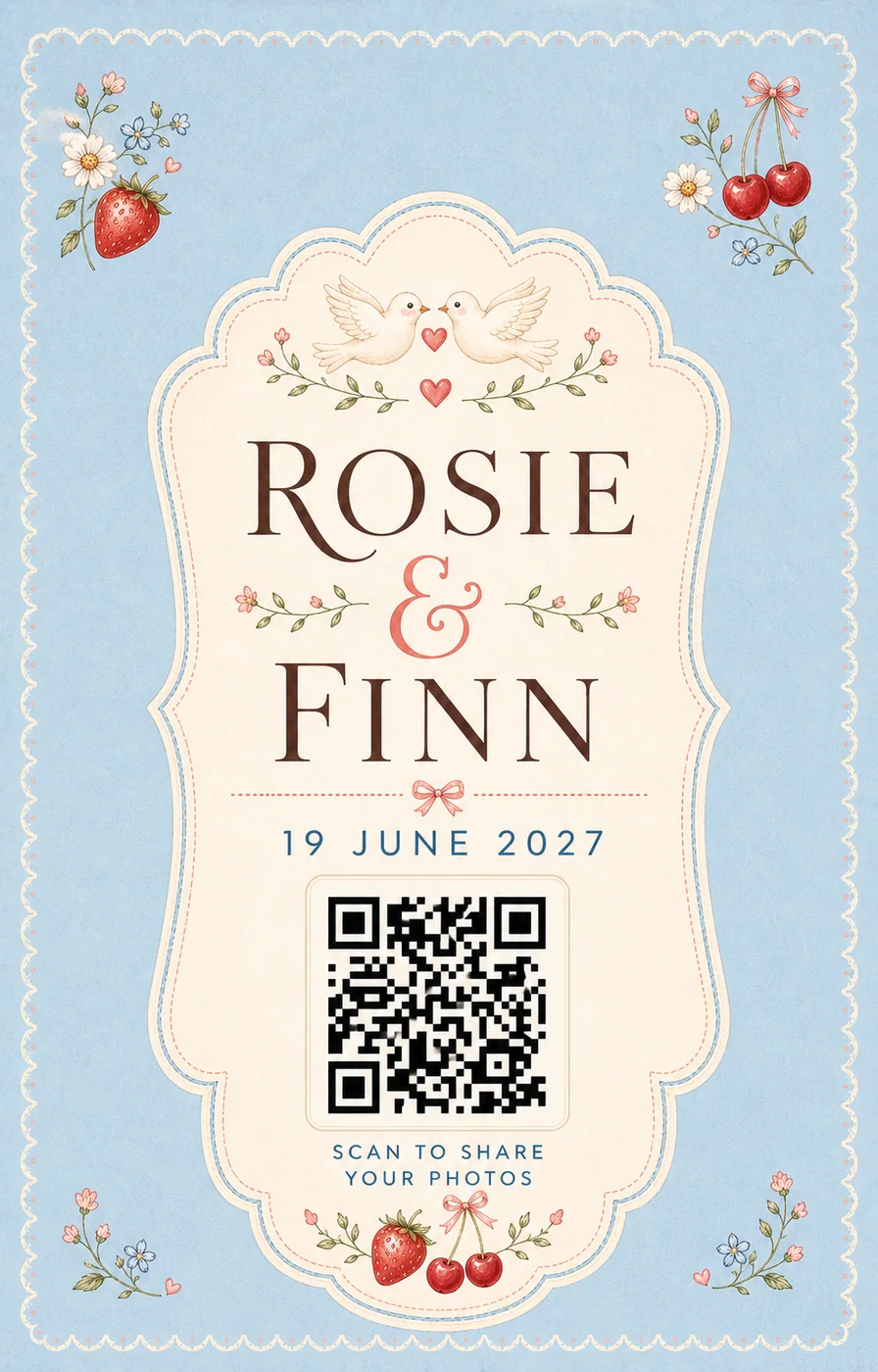
Lead with what guests can do: ‘Add your photos and videos to our private wedding album.’ Then state whether an app or account is needed and print the short web address. Keep names and a warm line if space allows. Avoid an unexplained code below a vague phrase such as ‘Share the love’. Guests should know the destination before scanning.
Match every privacy claim to the album settings. If approved pictures can be viewed by invited guests, say so. If only the couple can see uploads, say that instead. A PIN should be printed clearly or explained elsewhere. Essential wording belongs in a familiar typeface; use decorative script only for names or a short heading.
Design the fold before placing the code
Choose the finished folded size first. Put the main invitation and QR code on the face guests see while seated. Keep the fold, trim marks and artwork away from the code’s clear border. DENSO WAVE calls this the quiet zone and recommends four small code squares on every side. A floral frame can surround the content block without entering that space.
Print double-sided only when the back adds a useful normal link, privacy note or next-day message. Do not hide the typed URL underneath the tent. Check that the card stands at a comfortable angle and does not curl. A flat digital preview cannot show whether a fold will distort the square or reflect overhead light.
Choose stock that survives dinner and still scans
A sturdy matte card usually reduces glare and remains upright. Gloss laminate, metallic foil near the code and textured handmade stock need physical testing. Drinks, condensation and candle wax are realistic reception hazards, so keep spare cards with the setup lead. If the design uses a holder, test the final card inside it. Acrylic can create a bright reflection across otherwise perfect artwork.
Ask the printer for one proof at finished size. Scan it with older and newer iPhones and Android phones while seated. Try daylight, warm evening light and the actual table candle arrangement if possible. Type the fallback URL too. Approve the full run only after the physical object works.
Plan placements with the venue and stationery team
Ask when tables will be fully dressed and who is responsible for placing cards. Give that person a simple count and table map. Keep cards clear of menus, flowers, wine coolers and reserved signs. If the room is split, make sure each area receives the same album destination. Do not create separate codes by table unless you genuinely want separate collections.
Ask a helper to scan every placement after setup. They should replace damaged prints and move anything hidden or out of reach. Keep the direct album link on their phone so they can confirm the destination. Your stationery designer can create the look, but the final room check protects the guest journey.
Support the cards with one spoken and one digital reminder
A brief announcement after dinner can explain the cards, especially when an approved slideshow is already showing a few friendly examples. Keep it optional and never interrupt speeches or emotional moments. Ask the wedding party to seed the album so guests see what belongs there. Moderation should be on before any upload reaches a public screen.
Send the direct link the next morning. A tappable link is easier than scanning a picture of the card on the same phone. It also helps guests who had weak signal or preferred to stay present. When uploads close, export the original files, verify the count and make a separate backup.
Questions, answered
How many wedding QR table cards do you need?
Start with one reachable card for every one or two tables, then adjust for table size, room layout and other placements.
What size should a folded table card be?
Choose a size guests can read while seated and test the code at its final dimensions. There is no universal minimum for every link and phone.
Should the card show a web address?
Yes. A short typed link gives guests an accessible alternative when scanning is difficult or unsuitable.
Can table cards be printed on glossy stock?
They can, but reflections may interfere. Test a physical proof in its real holder and venue-style lighting.
Should every table have a different QR code?
Usually no. One destination keeps the collection simple. Use different codes only when separate albums have a clear purpose.
Sources and context
Guidance was reviewed on 2 August 2026. Prices, product limits and venue conditions can change, so confirm the details that matter to your wedding.