Free · no signup

Disposable camera cost calculator

Compare the complete analogue budget with a reusable QR photo collection route.

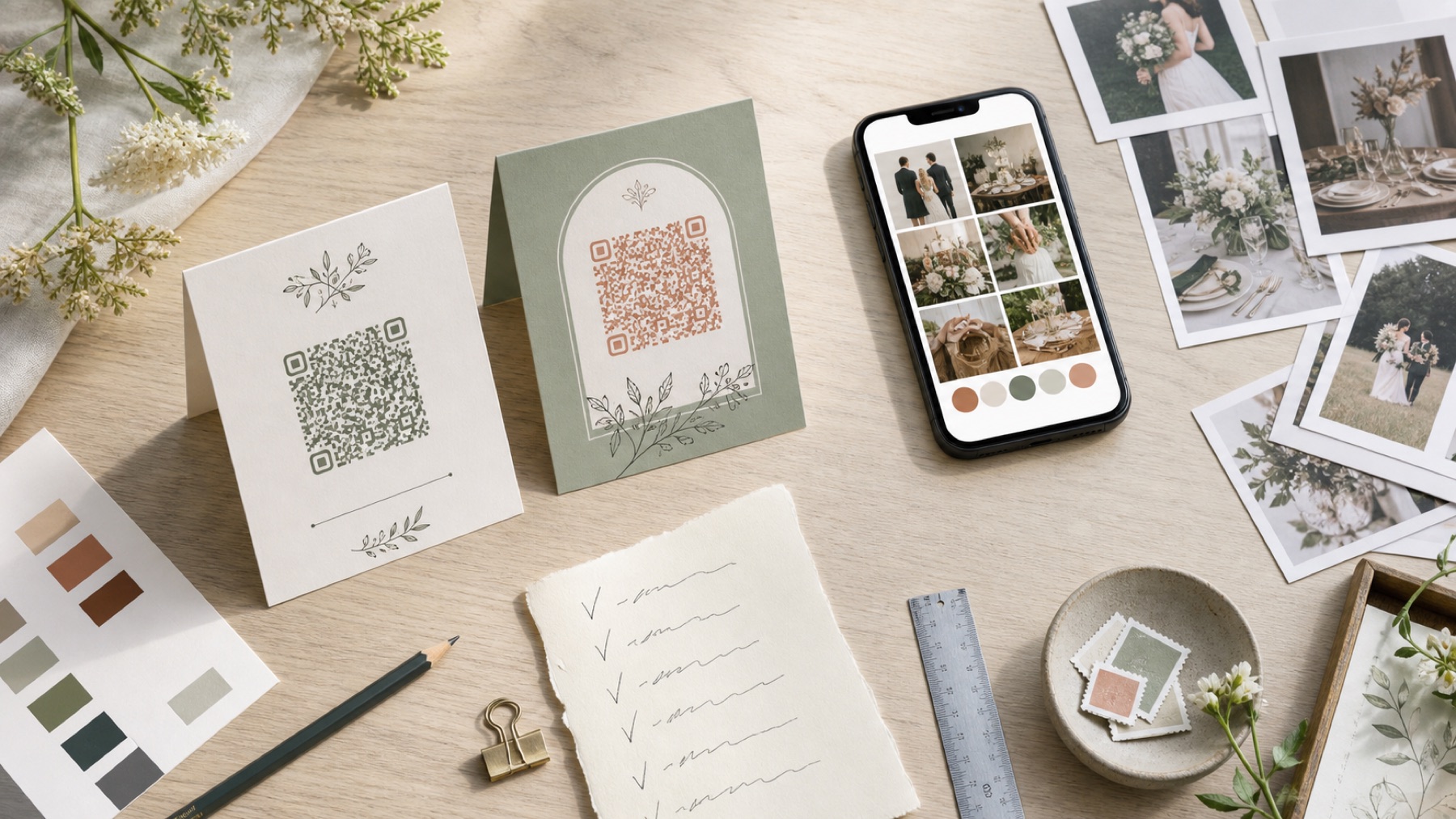
Disposable wedding cameras beside a digital photo collection plan

Your camera budget

Estimated total

£280

before replacements, delivery or unusable frames

Turn the plan into a working guest album

Create the destination your QR code, prompts and reminders lead to.

Create your wedding album

Calculate the finished photographs, not the shelf price

The camera is only the first cost. Add developing, high-resolution scanning, prints, postage or travel to the lab, and replacement for any faulty item. Ask whether negatives are returned and whether scans are included or charged per frame. A cheap camera can become an expensive collection once every useful photograph is made digital.

Enter current written prices rather than a remembered national average. Labs vary by location, turnaround and scan quality. Include tax where relevant and check whether blank or failed frames are still charged. The calculator gives you a planning total, not a quotation. Keep a small contingency for price changes, express processing or a missing camera that needs separate handling.

Choose camera numbers from people and conditions

One camera per table is a popular phrase, not a rule. A quiet table may use three frames while an enthusiastic group finishes two cameras. Think about the guests who enjoy analogue photography, the number of available frames and who will remind people to use the flash. A smaller number placed with lively groups can create more than a large order nobody owns.

Model a low and high quantity in the calculator. Check how each changes the finished cost per usable frame. Buying extra cameras does not guarantee extra memories. Your professional photographer and guest phones already cover parts of the day, so decide what unique experience the disposable cameras add.

Allow for lighting and unsuccessful frames

Disposable cameras often have a fixed lens and small flash. The flash works over a limited distance, so a large dark dance floor can produce tiny faces and black backgrounds. Put cameras where people are close together and explain when the flash is needed. Avoid direct sun, candle spills and leaving cameras on a table after staff begin clearing.

Do not assume every frame becomes a print-worthy image. Finger-covered lenses, accidental shutter presses, underexposure and unused frames are part of the format. That uncertainty can be charming when you value surprise. It is a poor match when you need predictable coverage of specific people or moments.

Compare the analogue experience with a QR album fairly

A disposable camera is a prop and a limited creative experience. A QR album collects the photos and videos guests already take on their phones. It can support moderation, next-day uploads and original digital export. These outcomes are different, so do not compare only the purchase prices. Write down whether you value the physical ritual, flash look, video, fast access or breadth of contributors.

A hybrid can work well. Put a few cameras on sociable tables for character and give everybody the same private upload link for their phone files. Add the album cost and camera total together in your budget. Use one master folder after the wedding while keeping untouched scans and phone originals separate.

Assign collection and processing before the reception

Name a person who will count every camera before suppliers pack the room. Label them discreetly when knowing the table matters. Keep exposed cameras dry and away from extreme heat. If you are travelling, ask the manufacturer or lab about airport screening rather than guessing. Contact the chosen lab before the wedding and confirm its current submission instructions.

Record the expected camera count, frame count, lab, order reference and return date. A basket of cameras left with different relatives is difficult to recover. Your collection lead should know exactly where the cameras go at the end of the night and who follows up if one is missing.

Protect negatives, scans and phone originals together

When processing returns, compare the number of cameras and scans with your order. Open samples at full size and keep the negatives if supplied. Download lab files before their link expires. Do not replace a high-resolution scan with a smaller social copy. Add the untouched scans to your wedding master archive in their own labelled folder.

Export your QR album at original quality and check its files too. Make a separate backup of both collections before editing, sharing or printing. The National Cyber Security Centre recommends keeping important data in another safe location. The cameras create the surprise; a verified digital archive makes that surprise last.

Questions, answered

How much do disposable wedding cameras really cost?

Add cameras, developing, scans, prints, postage and contingency using current local prices. The complete total matters more than the shelf price.

How many disposable cameras should you buy?

There is no reliable one-per-table rule. Base the number on likely users, frame count, lighting and who will collect them.

Are disposable cameras good in dark receptions?

Results vary. The small flash has limited reach, so keep subjects close and test a similar camera in comparable light.

Can you use cameras and a QR code together?

Yes. Use a few cameras for the analogue experience and one private QR album for phone photos and videos.

Should you keep the negatives?

Yes, when the lab returns them. Also download high-resolution scans promptly and back up both the scans and phone originals.

Sources and context

Guidance was reviewed on 2 August 2026. Prices, product limits and venue conditions can change, so confirm the details that matter to your wedding.