Practical wedding guide
Where to put your wedding photo QR code
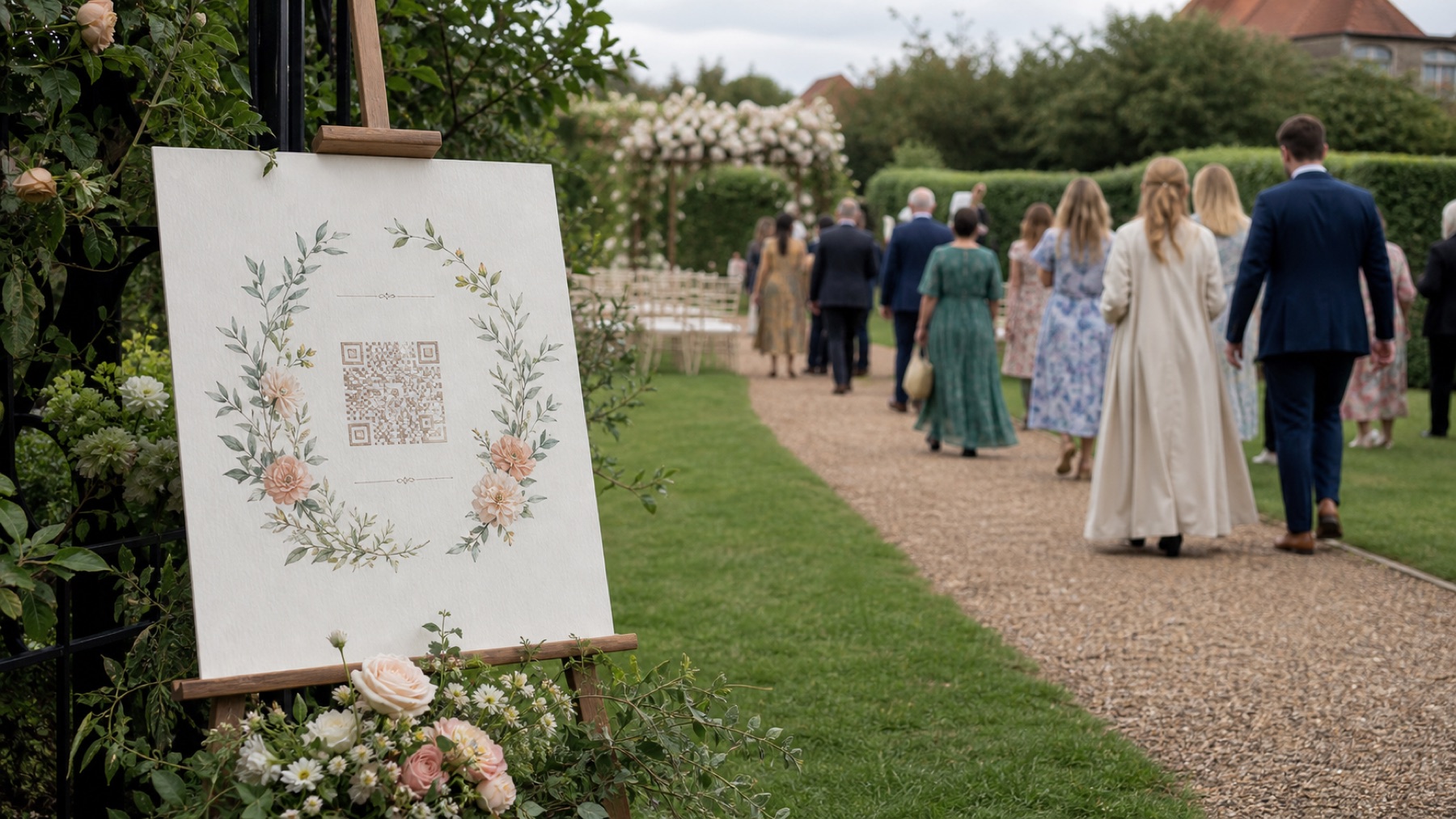
The best QR location is within comfortable reach when a guest has time, light and their phone—not necessarily the largest sign.
By The Wedding Pics editorial team · Reviewed
The answer in a minute
Use three or four repeated placements with identical instructions and test every printed size from a seated distance.
Prioritise dwell time
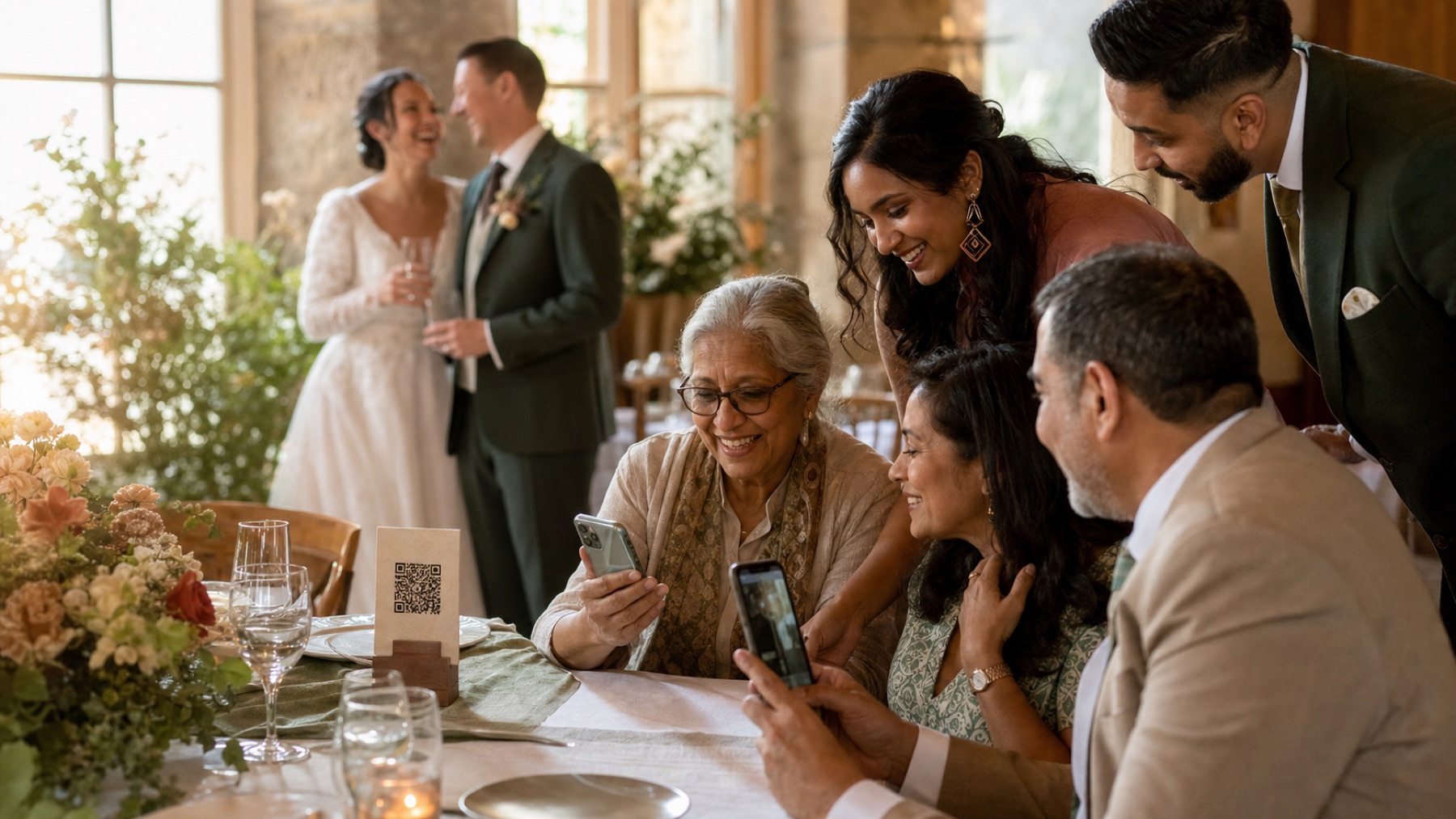
Place codes on tables, at the bar queue and beside the guestbook. Doorways and dance floors create visibility without enough time to act.
Use this while you plan
Wedding QR code generator
Generate a tested code, then print it at a size guests can scan. Your entries stay in this browser unless you choose to download them.
Build your candid shot list
Turn the plan into a working guest album
Create the destination your QR code, prompts and reminders lead to.
Respect the room design
Ask the stationer to integrate a high-contrast code into existing pieces. It should feel intentional without being disguised by ornament.
Extend placement beyond paper
Add the same link to the wedding website, digital itinerary and next-day message so a missed scan never means a lost contribution.
Sources and context
- Verified against the current The Wedding Pics guest upload and host management flows.
Good to know
Before you choose
What should we decide first?
Use three or four repeated placements with identical instructions and test every printed size from a seated distance. Whichever route you choose, try the full guest journey on a signed-out phone before you print a sign or share the link.
How should we test it before the wedding?
Start here: decide who owns this task. Then ask someone else to repeat the upload on both iPhone and Android, using the exact link your guests will receive.
Where does The Wedding Pics fit?
Place codes on tables, at the bar queue and beside the guestbook. Doorways and dance floors create visibility without enough time to act. The Wedding Pics gives every guest one private browser upload, with no account to create and no app to install.
Ready for the tables
Turn this plan into a QR code guests will actually use.
Create the code, test it on a real phone and download a print-ready version for your signs and table cards.
One QR code that collects every wedding photo.