Honest comparison
Disposable cameras vs a wedding photo QR code
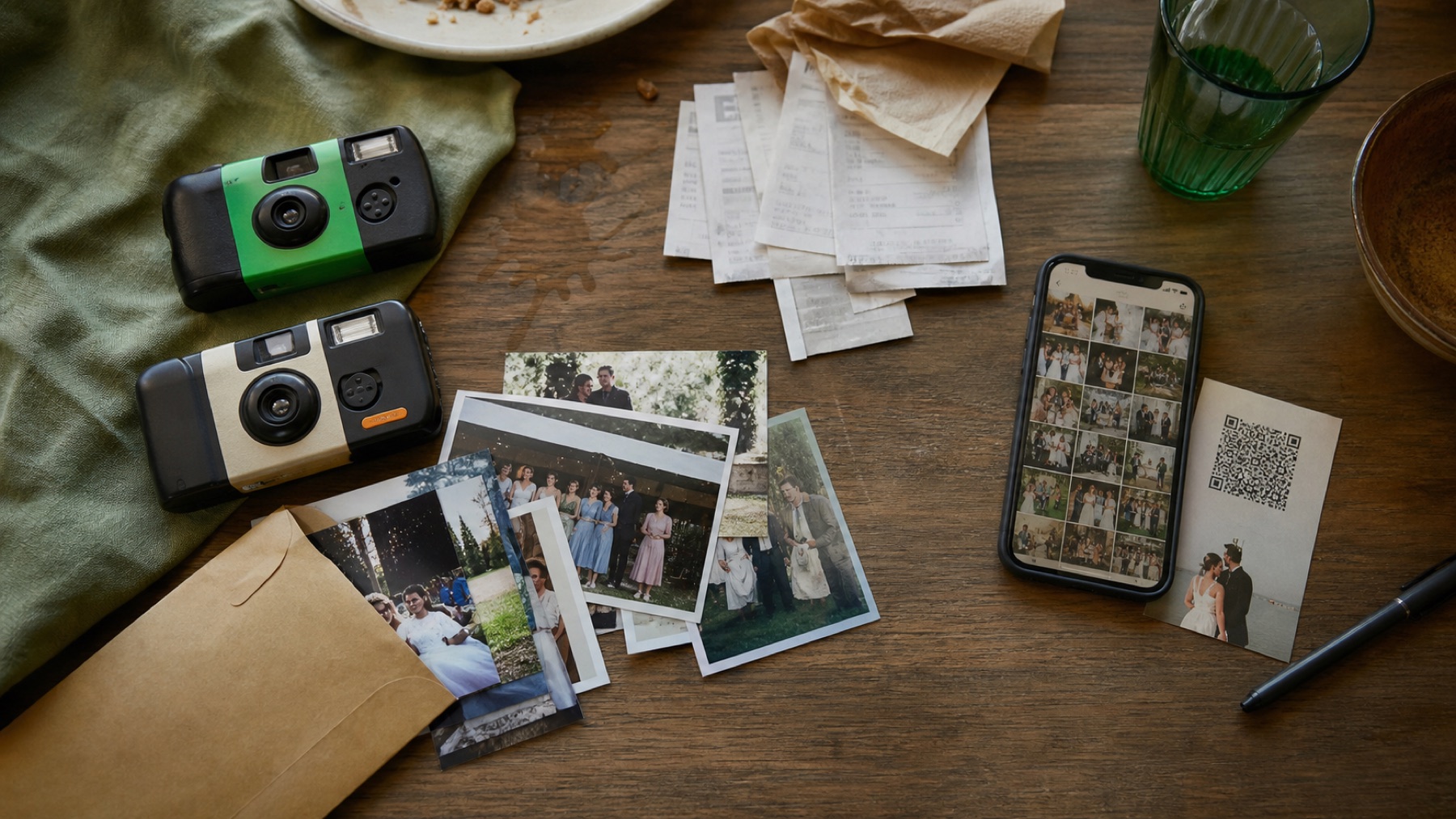
Disposable cameras create anticipation and a physical ritual. QR uploads capture far more perspectives with less waste and no developing delay.
By The Wedding Pics editorial team · Reviewed
The answer in a minute
Choose disposables for their deliberate analogue look, not as the only way to collect candids. A QR album is more reliable; using both can preserve the fun without gambling every guest photo.
| Check | Disposable cameras | The Wedding Pics approach |
|---|---|---|
| Guest entry | Test current sign-in, app and permission requirements | Private link or QR; no guest account or app |
| Couple control | Verify moderation and gallery visibility defaults | Upload collection separated from gallery visibility |
| Original-file exit | Verify bulk export, file quality and retention dates | Individual originals and a couple-controlled album export |
The camera changes how people shoot
A limited roll encourages playful, imperfect frames. Phones produce clearer low-light photos, video and many more attempts. The right choice is aesthetic as much as technical.
Use this while you plan
Wedding QR code generator
Generate a tested code, then print it at a size guests can scan. Your entries stay in this browser unless you choose to download them.
Build your candid shot list
Turn the plan into a working guest album
Create the destination your QR code, prompts and reminders lead to.
Budget for the full analogue workflow
Camera cost is only the start. Include development, scanning, unusable frames and the time spent matching prints to tables. A QR code has no per-table hardware and the files arrive during the event.
A hybrid plan is often strongest
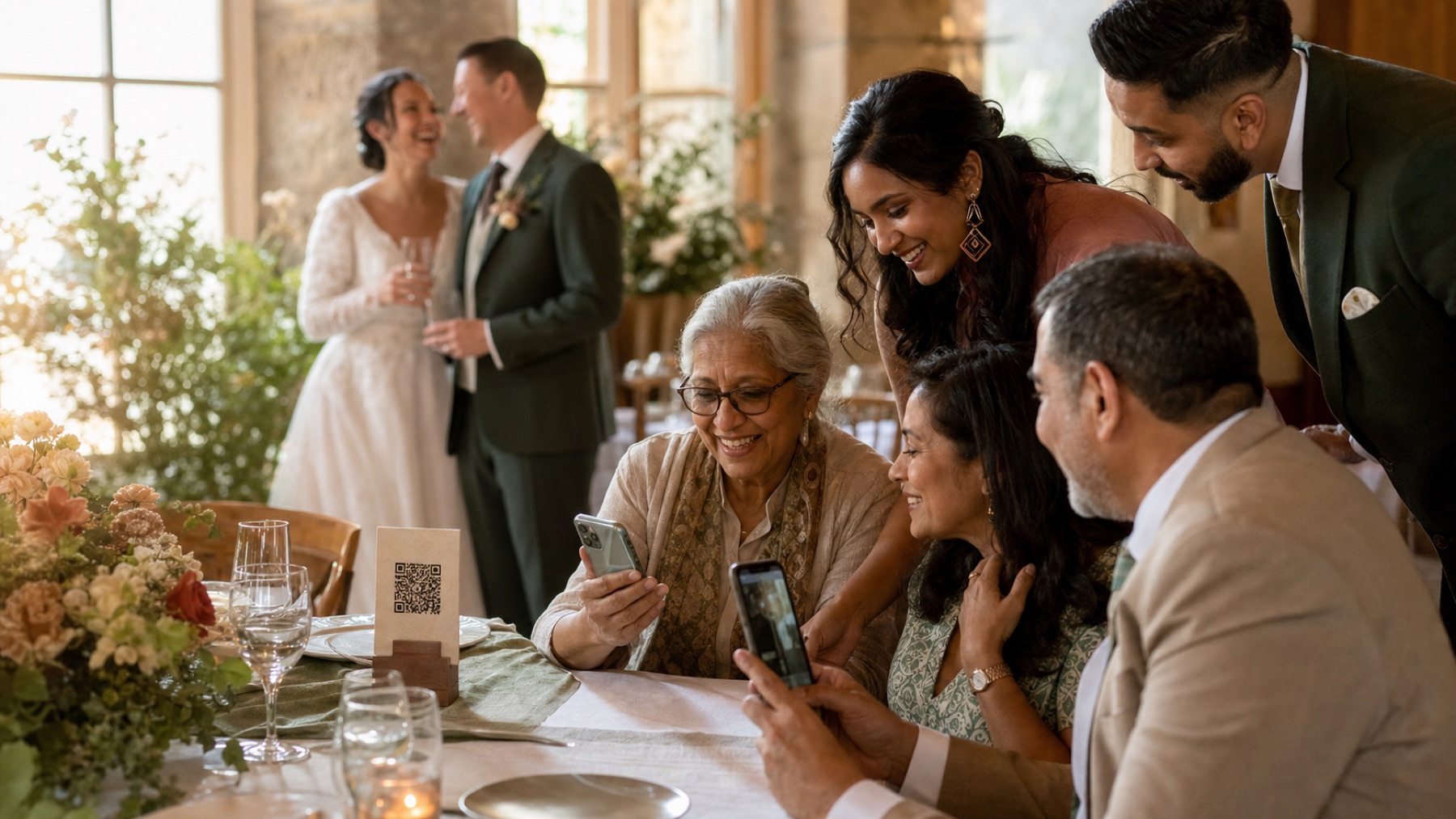
Place a few disposables with clear flash instructions for the novelty, while making the QR code the dependable collection route. Guests can upload phone photos immediately and the scans later.
Sources and context
- Verified against the current The Wedding Pics guest upload and host management flows.
Sources and context
Spot something that needs correcting? Tell the editorial team.
Good to know
Before you choose
What should we decide first?
Choose disposables for their deliberate analogue look, not as the only way to collect candids. A QR album is more reliable; using both can preserve the fun without gambling every guest photo. Whichever route you choose, try the full guest journey on a signed-out phone before you print a sign or share the link.
How should we test it before the wedding?
Start here: price development as well as cameras. Then ask someone else to repeat the upload on both iPhone and Android, using the exact link your guests will receive.
Where does The Wedding Pics fit?
A limited roll encourages playful, imperfect frames. Phones produce clearer low-light photos, video and many more attempts. The right choice is aesthetic as much as technical. The Wedding Pics gives every guest one private browser upload, with no account to create and no app to install.
Ready for the tables
Turn this plan into a QR code guests will actually use.
Create the code, test it on a real phone and download a print-ready version for your signs and table cards.
One QR code that collects every wedding photo.