Table-ready printable
Wedding photo QR table card template
Create a compact card with your names, one instruction and the same upload destination used everywhere else at the wedding.
Create your QR code
QR dot style
QR corner style
Alex & Sam
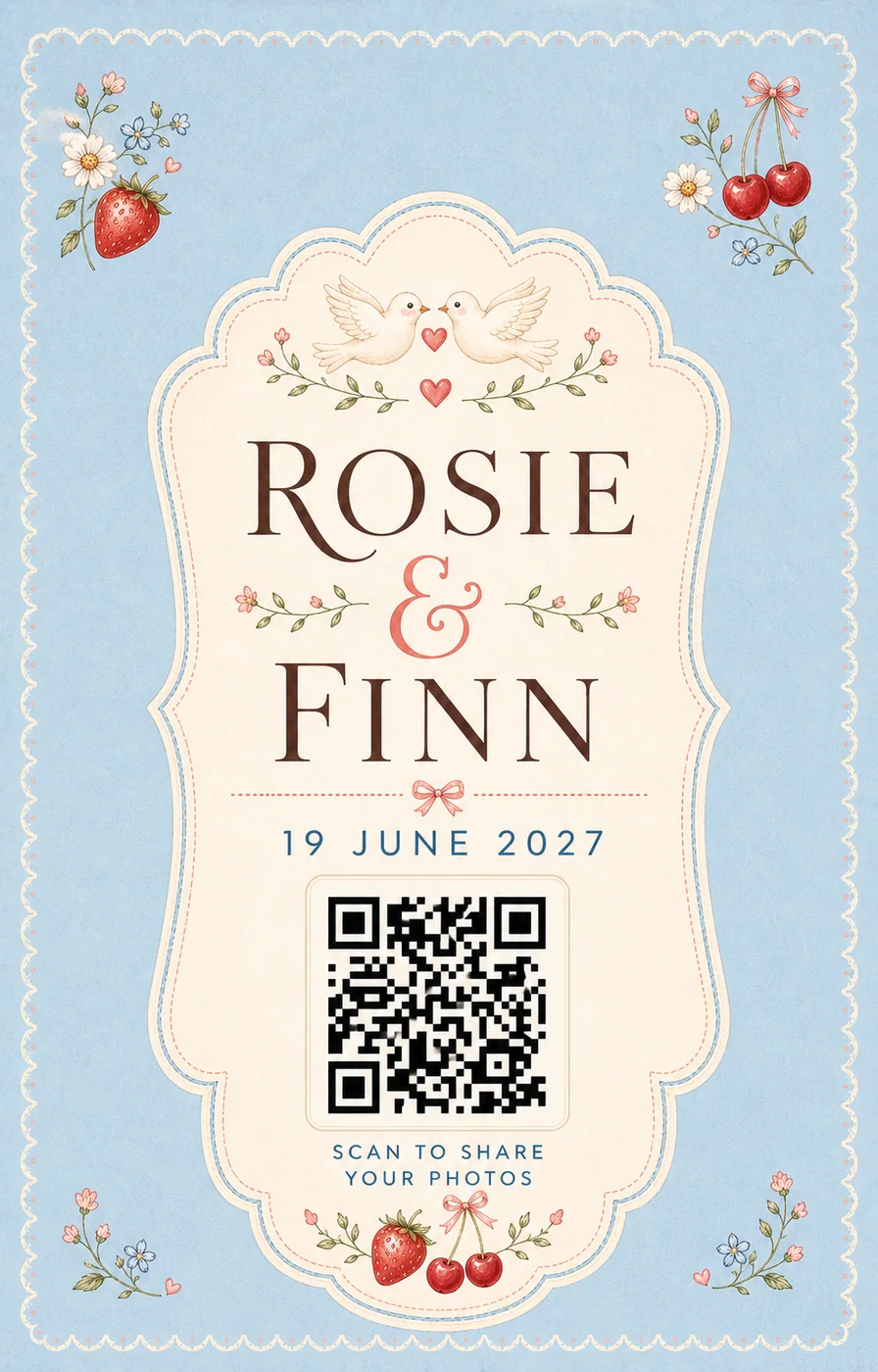
Scannable from about 2.2 ft
A QR code stays reliable up to roughly ten times its own width. Print at this size and stand back to check before you order copies.
Contrast ratio 12.0:1
Strong contrast. Scanners and guests will both cope in low reception light.
Turn the plan into a working guest album
Open the live guest album, choose a photo and feel how little stands between a camera roll and your wedding album.
Create your wedding album









Design for seated viewing
A table card is scanned at close range, but guests still need a clear instruction and enough contrast to notice it beside menus and place settings.
Keep it away from clutter
Give the code clear space and avoid placing it directly behind glassware, candles or reflective decoration.
Test the folded result
Print one card at final size, fold or mount it as planned and scan it from several seats before producing the full batch.
Questions, answered
Does every table need a QR card?
A card per table makes the request easier to discover, especially when the welcome sign is no longer visible. Large tables may benefit from two cards.
Can a table card use the same QR code as the welcome sign?
Yes. Repeating one tested destination is preferable to creating different codes for each placement.
What size should we print?
Print a sample at the intended size and scan the finished card with both iPhone and Android. The correct size depends on viewing distance, contrast and print quality.