Wedding photo solution
How to create a wedding video guestbook without a booth
A video guestbook lets you keep expressions, movement and voices together. Guests can film a short message on the phone they already know, then add it to your private wedding album.
By The Wedding Pics editorial team · Reviewed

The answer in a minute
Ask for short, specific videos; create one well-lit spot away from loud speakers; accept clips already in guests’ camera rolls; and review every upload before it is shown or shared.
One private route
Share the same tested link and QR code everywhere.
No guest account
Guests contribute from the browser already on their phone.
Couple controlled
Collection, gallery visibility and slideshow approval stay separate.
Decide what you want the videos to preserve
A useful plan starts with the memory, not the equipment. You may want personal messages to watch on anniversaries, short clips of the atmosphere, or moments the photographer and videographer could not be near. These are different jobs, so tell guests what would help.
A video guestbook should add to professional coverage, not ask guests to film the whole ceremony through a screen. Invite one small contribution: a message, a favourite moment, a few seconds of the dance floor or a view from their table. This produces a varied, honest collection without turning guests into unpaid camera operators.
- Messages: faces, voices, memories and wishes for the future
- Moments: arrival, room reactions, table laughter and late-night dancing
- Context: short clips that show how the venue and celebration felt
Combine video, photos and messagesTry the guest upload route
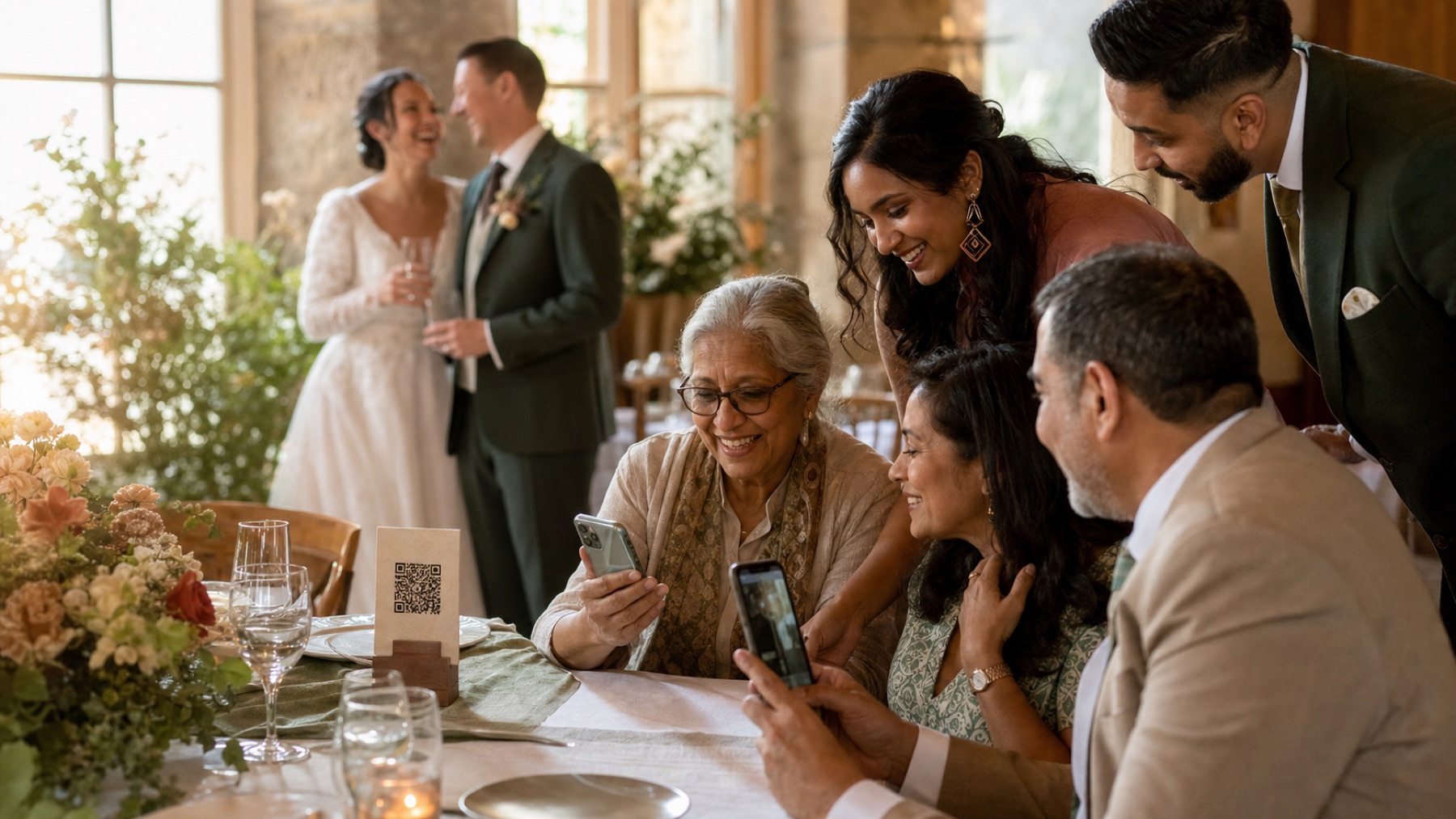
Keep every prompt short and specific
Open-ended filming can feel like an unexpected speech. Give guests three prompt choices and say that 20 to 40 seconds is enough. Couples will usually replay a clear little story more often than a long message with no direction.
Prompts should work for old friends, relatives, work friends and newer partners. Avoid questions that test how well somebody knows your relationship. Put the prompts where people can read them before they start recording, and let them film more than one attempt.
- Tell us about a moment today that made you smile
- What should we remember when we watch this in ten years?
- Share one wish for our first year of marriage
- Show us the view from your table or your favourite part of the room
- Introduce the people in your clip so we remember every face
Choose sound before a picture-perfect background
A beautiful flower wall beside a speaker will produce poor videos. Find a quieter space with soft furnishings and enough light to see a face. Avoid filming directly in front of a bright window, because the person may become a dark silhouette. A shaded terrace at dusk or a lamp-lit lounge can work well.
Record a real test while music is playing. Hold the phone at a comfortable arm’s length and speak in a normal voice. If the words are unclear, change location. Do not rely on editing to rescue severe music, wind or echo. Guests can also upload later from home, where a calm message may be more valuable than a noisy live attempt.
- Face a soft light source rather than a bright window
- Step away from loudspeakers, wind and clattering service areas
- Wipe the camera lens with a clean, soft cloth
- Do not cover the phone microphone with a hand or case flap
Let guests use the camera they already understand
Some guests will want to record in their normal camera app, check the clip and then upload it. Others may already have a lovely video of the entrance, a speech reaction or the dance floor. Accepting existing camera-roll clips reduces pressure and usually gives you more natural moments.
Do not insist on one orientation unless you have a real editing need. Vertical video feels natural for phone messages; horizontal video may suit a television edit. Consistency is useful, but participation and a meaningful moment matter more. If you do state a preference, explain it in one sentence and accept the other format too.
Let guests upload bigger videos later
Video files are much larger than photos. Even when the upload system supports large files, the venue connection may be slow or unstable. Tell guests to keep the browser open until they see confirmation. If an upload stalls, let them enjoy the wedding and try again later rather than troubleshooting through dinner.
Share the direct album link as well as the QR code. The link makes next-day uploading easy from home Wi‑Fi. Test the complete route on an iPhone and Android using mobile data at the venue. A successful test in your kitchen does not prove that the reception room has enough signal.
- Test from the actual tables, lounge and outdoor areas
- Keep the same album open after the wedding for later contributions
- Add one friendly next-day reminder with the direct link
- Never promise instant upload if the venue network has not been tested
Choose who can see the videos
Video can catch private conversations, children or a personal moment in the background. Let clips arrive in your private album first. If you use a live slideshow, look at each video before it appears on the screen.
Tell guests whether their clips are just for you, will be shared with wedding guests or might appear on social media. These are separate choices. Ask again before using a personal message in a public wedding film or advertisement. One clear sentence beside the upload button is more helpful than a long privacy policy.
Set up a moderated live slideshowUse respectful sharing rules
Download originals before you start editing
Keep one untouched copy of every video you want to preserve. Editing apps can change resolution, frame rate, colour and sound. Work from duplicates and export a separate viewing edit. Play important files after download so you know they are complete, then keep at least two backups in different places.
A simple final film can group messages by family, friendship group or part of the day. Keep it short enough to rewatch and preserve the full individual clips separately. Add captions or transcripts when possible, especially for older relatives, quiet recordings and people who cannot rely on sound. Do not remove every pause and laugh; those imperfect details often make a guest video feel alive.
Sources and context
- This advice was checked against the current guest video upload, private album and original-download experience.
- Recommendations about sound, light and clip length are practical planning guidance, not a guarantee of professional recording quality.
Sources and context
Spot something that needs correcting? Tell the editorial team.
Good to know
Before you choose
Do we need a booth for a wedding video guestbook?
No. A booth can give the activity a visible home, but guests can film on their own phones anywhere suitable and upload through your wedding link. One optional quiet, well-lit area is usually enough.
How long should wedding guestbook videos be?
Suggest 20 to 40 seconds for a prompted message. Short guidance makes starting easier, but a meaningful longer story does not need to be rejected.
Should guests film vertically or horizontally?
Either works. Vertical is comfortable for phone messages; horizontal may fit a television edit. State a preference only if you have a clear editing plan, and still accept the other format.
Can guests upload videos they filmed earlier in the day?
Yes. Camera-roll uploads can capture the ceremony, speeches and atmosphere without asking guests to repeat or stage the moment.
What if venue Wi-Fi is too slow for video?
Give guests the direct album link and invite them to upload later from a reliable connection. The wedding should not become a technical support session.
One place for every angle
Your guests will catch the moments you miss.
Give them one beautiful place to share every photo, video and message—then wake up to the whole story of your day.
Start your album