Wedding photo solution
How to show guest photos at your wedding with a live slideshow
A live wedding slideshow lets everyone enjoy the funny, lovely moments your guests are capturing around the room. Set it up before the day, choose when you want it on and ask one friend to keep an eye on the photos so you can enjoy your wedding.
By The Wedding Pics editorial team · Reviewed

The answer in a minute
Begin with a small collection of photos you already love, test the screen at your venue and decide whether you want to check new guest photos before they appear. That is really all the planning it needs.
One private route
Share the same tested link and QR code everywhere.
No guest account
Guests contribute from the browser already on their phone.
Couple controlled
Collection, gallery visibility and slideshow approval stay separate.
Choose when you want the slideshow on
A slideshow works best as part of the background, not as something guests have to sit and watch. Drinks, the wedding breakfast and the start of the evening reception are all good options. People can glance up, spot friends and enjoy new photos as they arrive.
Pause it for the ceremony, speeches, first dance and any other moment where you want everyone looking in one direction. You do not need the screen running all day. A few well-chosen hours will feel more special and will be much easier to organise.
- During drinks while guests are chatting
- Between courses at the wedding breakfast
- At the start of the evening reception
See how the guest gallery worksSee the full wedding photo journey
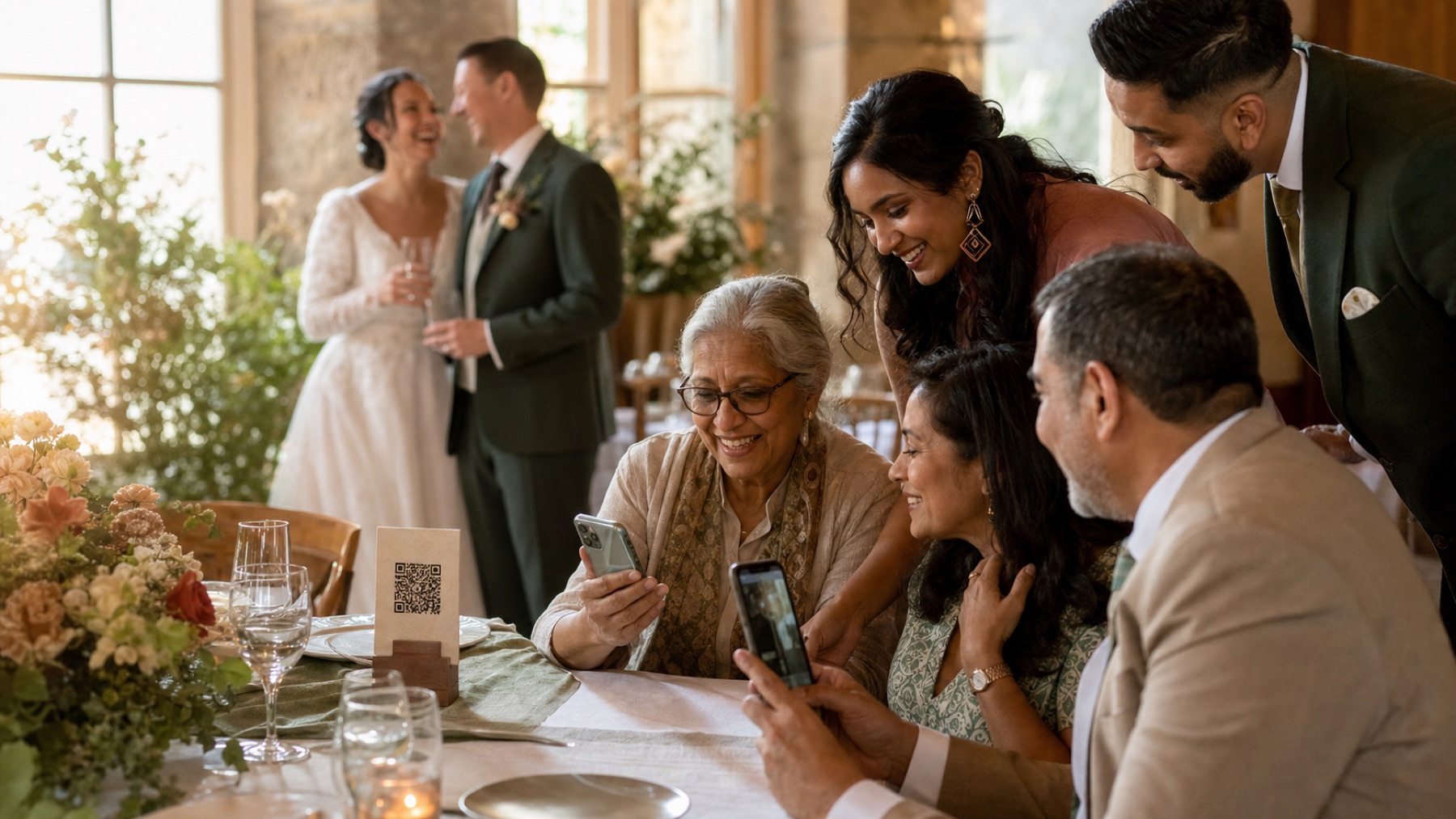
Decide whether you want to check new photos first
You can let guest photos appear after you or a friend has looked at them. This is useful for removing duplicates, accidental screenshots and blurry pictures before they reach the big screen. It is not about treating your guests with suspicion; camera rolls are simply messy.
If your wedding includes children, private family moments or guests who do not want to be on display, checking photos first is the kinder choice. Keep anything unsuitable in your private album if you still want it. A photo can be meaningful to you without being right for the whole room.
- Show clear photos that suit the mood of the room
- Skip duplicates and accidental uploads
- Keep personal or emotional moments private
- Remove a photo if somebody asks you to
Start with photos you already love
Add some photos before guests arrive so the screen is never blank. Engagement pictures, getting-ready photos, venue details and a few favourite memories together all work well. They also show guests that relaxed phone photos are welcome; this does not need to look like a professional wedding album.
Around 20 to 40 photos is plenty for your starting set. Include a mix of people and both portrait and landscape pictures. Look at them on the actual screen if you can, because a vertical phone photo may appear differently on a wide television or projector.
- A few photos of you as a couple
- Family and friendship-group favourites
- Getting-ready and venue photos from earlier that day
- Candid pictures that show guests what they can add
Test the screen before guests arrive
Ask your venue what screen or projector is available and what you need to bring. You may need a laptop, charger, HDMI cable or a small adapter. If the venue is supplying everything, ask them to show you how your slideshow will appear before the room fills up.
Plug the device into power and turn off sleep mode, updates and personal notifications. You do not want a message preview appearing over the photos. Let the slideshow run for 15 to 30 minutes, then look at it from a nearby table and from the back of the room. Once it looks good, leave it alone.
- Screen or projector
- Laptop or other display device and charger
- The correct cable or adapter
- Personal messages and notifications turned off
Ask one friend to keep an eye on it
You should not be checking photos during your own wedding breakfast. Ask a friend, sibling, planner or coordinator who knows your guests and understands the sort of pictures you are happy to show. Their job is simply to look through new photos now and then and pause the slideshow if the screen needs attention.
Show them how it works before the wedding. A five-minute practice is better than sending a long set of instructions. If they are giving a speech or have another important role, ask a second person who can step in for a while.
Have a simple plan if the Wi-Fi drops
If the venue Wi-Fi is patchy, new photos may take longer to appear. That is fine. Guests can keep taking pictures and upload them later, and the photos you added before the wedding can continue playing on the screen.
Ask your helper to refresh the page once. If it still does not work, they can leave the starting photos running or turn the screen off for a while. Nobody needs to spend your reception fixing Wi-Fi. The album will still be there when the connection comes back.
- Keep your starting photos ready to play
- Refresh the slideshow once
- Let guests upload later from the same link
- Leave the screen off if it starts distracting from the wedding
Save your favourite photos afterwards
The slideshow is only one way to enjoy the pictures. After the wedding, look through the full private album together. You will probably find plenty of lovely photos that never appeared on the screen because they arrived late or were more personal.
Download the original files before your album’s storage period ends and keep another copy somewhere else. You can turn the best slideshow photos into a small album, an anniversary video or a folder to share with close family. Ask before putting a guest’s personal photo on public social media.
Read the wedding photo-sharing etiquette guideCheck slideshow availability
Sources and context
- This advice was checked against the current guest upload, photo review, gallery and slideshow experience.
- Venue screens and Wi-Fi differ, so it is worth testing the simple setup with your venue before the wedding.
Sources and context
Spot something that needs correcting? Tell the editorial team.
Good to know
Before you choose
Can guest photos appear live during the wedding?
Yes. Guests can add photos from their phones and pictures you have chosen can join the slideshow during the day. A short delay while a friend checks them is usually worth it.
Do we need to check every photo before it appears?
You do not have to, but most couples will prefer it. It keeps duplicates, accidental screenshots and private moments off the big screen without stopping them reaching your private album.
How many photos should be loaded before the wedding?
Around 20 to 40 is a good starting point. That gives the slideshow enough variety while guest photos begin to arrive.
What happens if venue Wi-Fi fails?
Keep your starting photos playing or switch the screen off for a while. Guests can upload later from the same link, so no memories need to be lost.
Should we show the slideshow during speeches?
Usually not. Pause it during speeches, your first dance and other important moments so it does not compete for attention.
No app for guests
See exactly what your guests will see.
Open the live guest album, choose a photo and feel how little stands between a camera roll and your wedding album.
Try it as a guest