Wedding photo solution
How to create an audio guestbook for your wedding
An audio guestbook keeps the voices, laughs and little stories that handwriting cannot. Guests scan a QR code, record on their own phone and add the message to your private wedding album.
By The Wedding Pics editorial team · Reviewed
The answer in a minute
Keep it simple: choose a quiet place, offer three short prompts, explain who will hear the recordings and keep a written-message option for anyone who would rather not speak.
One private route
Share the same tested link and QR code everywhere.
No guest account
Guests contribute from the browser already on their phone.
Couple controlled
Collection, gallery visibility and slideshow approval stay separate.
What an audio wedding guestbook actually is
An audio guestbook is a collection of voice messages from the people at your wedding. A guest might share a memory, give you advice, tell a funny story or leave a message for a future anniversary. The sound of their voice often becomes the part that matters most.
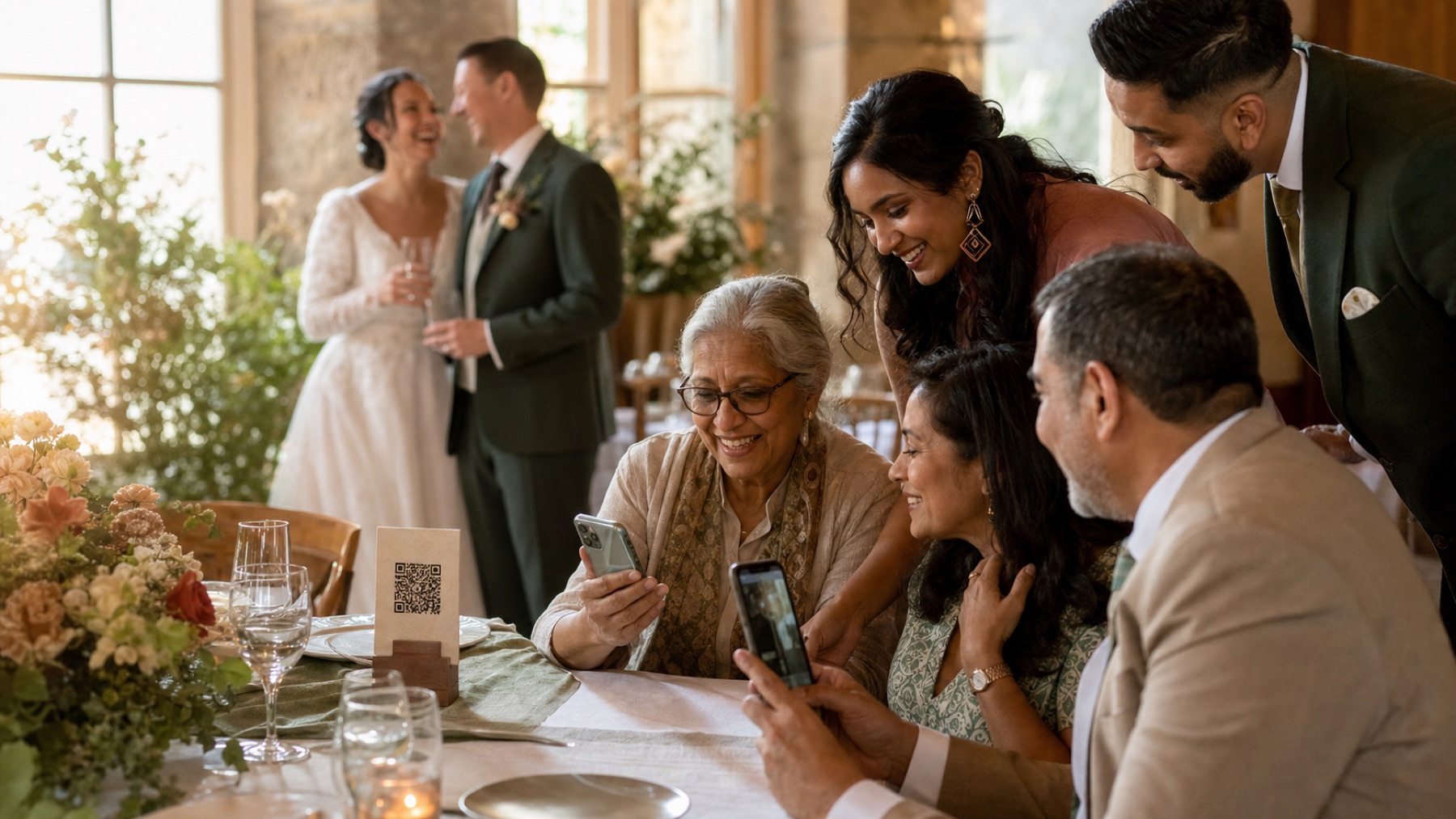
A QR version uses the microphone already inside each guest’s phone. There is no queue for one hired handset and no need for guests to download an app or make an account. They open your private wedding link, record or choose their message, and upload it to the same place as their photos and videos. This also means a guest can try again somewhere quieter or contribute the next morning if the reception felt too busy.
- Best for couples who want personal stories as well as photographs
- Useful when guests are spread across several rooms or a large venue
- Flexible for people who want to record during or just after the wedding
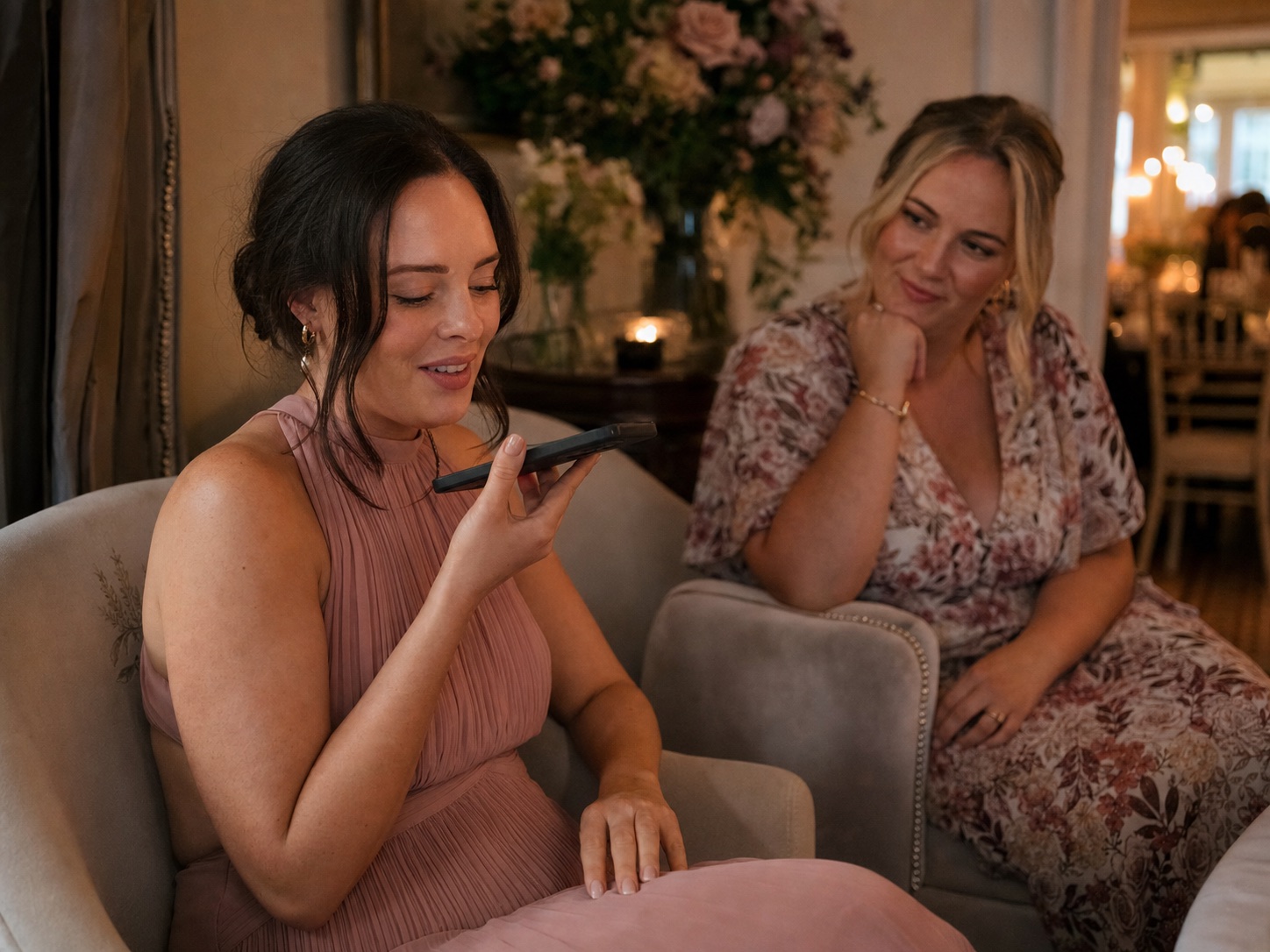
Choose one quiet, comfortable recording spot
Good sound matters more than an elaborate backdrop. Avoid the dance-floor speakers, the bar queue, a windy doorway and the kitchen entrance. A side room, sheltered terrace or soft seating area usually works better. Curtains, sofas and other soft furnishings help reduce echo.
Make the area feel optional rather than like a stage. Guests are more natural when they can sit with a friend and record without a crowd watching. Put the QR prompt at tables too, so nobody thinks they must use one exact spot. Before the day, record a test at the time the room will be busiest. Listen with ordinary headphones. If you have to strain to hear every word, move the recording point rather than asking guests to shout.
- Move at least one room or solid wall away from the main speakers
- Give guests a chair, a little light and somewhere safe to place a drink
- Ask the venue when nearby doors, fans or music will be loudest
Use prompts that make speaking easy
“Leave us a message” can make even confident guests go blank. Three specific choices are kinder. Keep them in large, plain type and tell guests that 20 to 60 seconds is plenty. A short message with one real detail will be more enjoyable to replay than a long speech made under pressure.
Use prompts that fit your relationships. A grandparent may want to share a family memory. A university friend may remember how you met. A newer friend may prefer a wish for the future. Do not make every prompt depend on knowing both partners for years.
- What is one moment with us that always makes you smile?
- What should we listen to on our fifth wedding anniversary?
- What is one small piece of advice for an ordinary Tuesday together?
- Tell us something lovely about the person you know best
- Finish this sentence: we hope your marriage is full of…
Plan for different confidence and access needs
Not everybody likes hearing their recorded voice. Some guests communicate more comfortably in writing, some need extra time, and some may not be able to use a phone microphone easily. A thoughtful guestbook offers voice, written messages, photographs and video without presenting one format as the correct one.
Use literal instructions: “Open your camera, point it at the square and tap the link.” Keep the code large, high contrast and easy to reach. Ask one patient friend to help if needed, but let the guest hold their own phone and decide what to share. If several languages are used in your families, invite people to speak in the language that feels most natural. You can keep the original recording and add a translation or transcript later.
Tell guests who will hear their message
A voice message can feel more personal than a photo. Say whether recordings are just for you, may appear in a guest gallery or could be played in a slideshow. Put this beside the recording prompt, not in small print on another page. If you are unsure, keep the messages private and choose anything you want to share later.
Never assume a funny story is right for the whole room. Messages can mention absent relatives, old relationships or private family memories. Listen to each recording before sharing it. If you would like to use a clip publicly, ask the person who recorded it first. Keep a written-message option available too, so nobody feels pushed into recording their voice.
Plan a private wedding albumRead the sharing etiquette guide
Put the prompt where guests have time
One beautiful sign at the entrance is easy to miss. Repeat the same QR code at tables, in the quiet recording area and in the next-day thank-you message. Keep the wording the same so guests know every code leads to the same private album.
Dinner and the first hour after speeches are often better than the final minutes of the night. Guests have settled in, but the loudest music may not have started. Ask the DJ or person making announcements for one warm sentence rather than repeated reminders. You should not spend your reception chasing recordings, so ask one friend to check that the sign and recording corner are still in place.
- Before the wedding: include the album link on your wedding website
- During dinner: place one prompt on each table or menu group
- After the wedding: send one thank-you message with the same direct link
Save and enjoy the messages properly
Listen through the collection when you have time and privacy. Keep the original audio files before trimming, transcribing or adding music. Download them before your plan’s storage period ends, then keep at least two copies in different places. A hosted album is convenient, but it should not be your only long-term archive.
You might make a short anniversary playlist, add selected transcripts to a photo book, or keep each message beside a photograph of the person speaking. Avoid heavy editing that removes the pauses, room sound and laughter that make the recording feel real. If a message is precious but difficult to hear, keep the untouched original and make a separate cleaned-up listening copy.
Sources and context
- This advice was checked against the current guest recording, private album and original-download experience.
- No claim is made that phone audio is always better than a hired booth; venue noise, handset microphones and guest preference all affect the result.
Sources and context
Spot something that needs correcting? Tell the editorial team.
Good to know
Before you choose
Do we need to hire an audio guestbook telephone?
No. A telephone can be a fun physical feature, but guests can also record with the microphone on their own phone through a QR upload. The phone-based option avoids a single queue and lets guests try again somewhere quieter.
How long should an audio guestbook message be?
Suggest 20 to 60 seconds. It is long enough for a real memory or wish and short enough to feel easy. Do not reject a thoughtful longer message; the time is guidance, not a strict rule.
Where should we put an audio guestbook?
Choose a comfortable spot away from speakers, wind, kitchens and busy doorways. Test it while the venue has music playing, because a quiet empty room can sound very different during the reception.
What if a guest does not want to record their voice?
Offer a written message, photo or video instead, without asking why. A guestbook should welcome different personalities and access needs rather than force everybody into one format.
Can guests record after the wedding?
Yes, if the album is still accepting contributions. Sending the same link the next morning is useful for guests who had poor signal, wanted privacy or simply forgot during the reception.
One place for every angle
Your guests will catch the moments you miss.
Give them one beautiful place to share every photo, video and message—then wake up to the whole story of your day.
Start your album