Practical wedding guide
Share wedding photos without social media
The couple should not have to trade privacy or guest inclusion for a convenient photo collection.
By The Wedding Pics editorial team · Reviewed
See the advice in action
The same advice, from your guests’ side
Use a private link and QR code so every guest can contribute without Facebook, Instagram or public posting.










Include non-users by design
Account-free upload works for guests who have left social media, use different platforms or do not want wedding activity tied to a profile.
Keep conversations in existing channels
Email and messaging can deliver the album link without becoming the media archive themselves. One destination prevents duplicate and compressed copies.
Explain the viewing boundary
Tell contributors whether only the couple or approved guests will see uploads. Clear expectations encourage more honest sharing.
Use this while you plan
Wedding QR sign designer
Pick a print size, check the scan distance and contrast, then download a sign guests can actually read across a room. Your entries stay in this browser unless you choose to download them.
Create your QR code
QR dot style
QR corner style
Alex & Sam
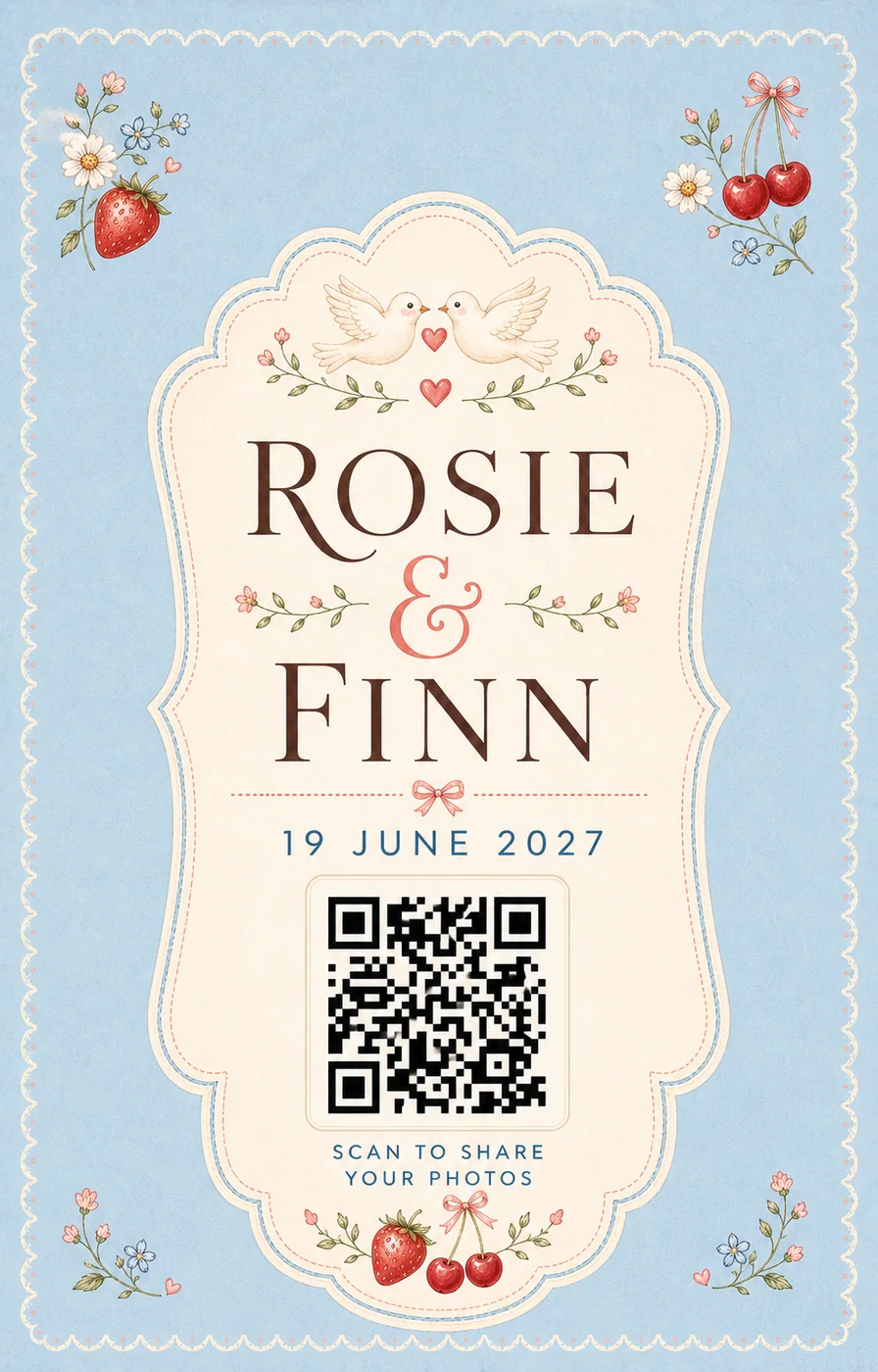
Scannable from about 4.9 ft
A QR code stays reliable up to roughly ten times its own width. Print at this size and stand back to check before you order copies.
Contrast ratio 12.0:1
Strong contrast. Scanners and guests will both cope in low reception light.
Sources and context
- Verified against the current The Wedding Pics guest upload and host management flows.
Good to know
Before you choose
What should we decide first?
Use a browser-based private album, send the link directly and create a separate small social edit only if the couple later chooses. Whichever route you choose, try the full guest journey on a signed-out phone before you print a sign or share the link.
How should we test it before the wedding?
Start here: decide who owns this task. Then ask someone else to repeat the upload on both iPhone and Android, using the exact link your guests will receive.
Where does The Wedding Pics fit?
Account-free upload works for guests who have left social media, use different platforms or do not want wedding activity tied to a profile. The Wedding Pics gives every guest one private browser upload, with no account to create and no app to install.
One place for every angle
Your guests will catch the moments you miss.
Give them one beautiful place to share every photo, video and message—then wake up to the whole story of your day.
Start your album