Practical wedding guide
Wedding photo-sharing etiquette: a kind, practical guide
Good wedding photo etiquette is not about banning every phone. It is about protecting important moments, respecting people’s privacy and making it easy for guests to share their memories with you.
By The Wedding Pics editorial team · Reviewed
The answer in a minute
Use one clear ceremony rule, separate private uploads from public posting, ask before sharing sensitive photographs and give guests a simple private place to send everything to the couple.
Choose a clear ceremony rule
Decide whether your ceremony is fully unplugged, allows photos from seats, or has one short photo moment. There is no universal correct choice. An unplugged ceremony can help guests stay present and keep phones out of the professional photographs. Allowing quiet photos may feel natural for your families. The important part is that nobody has to guess.
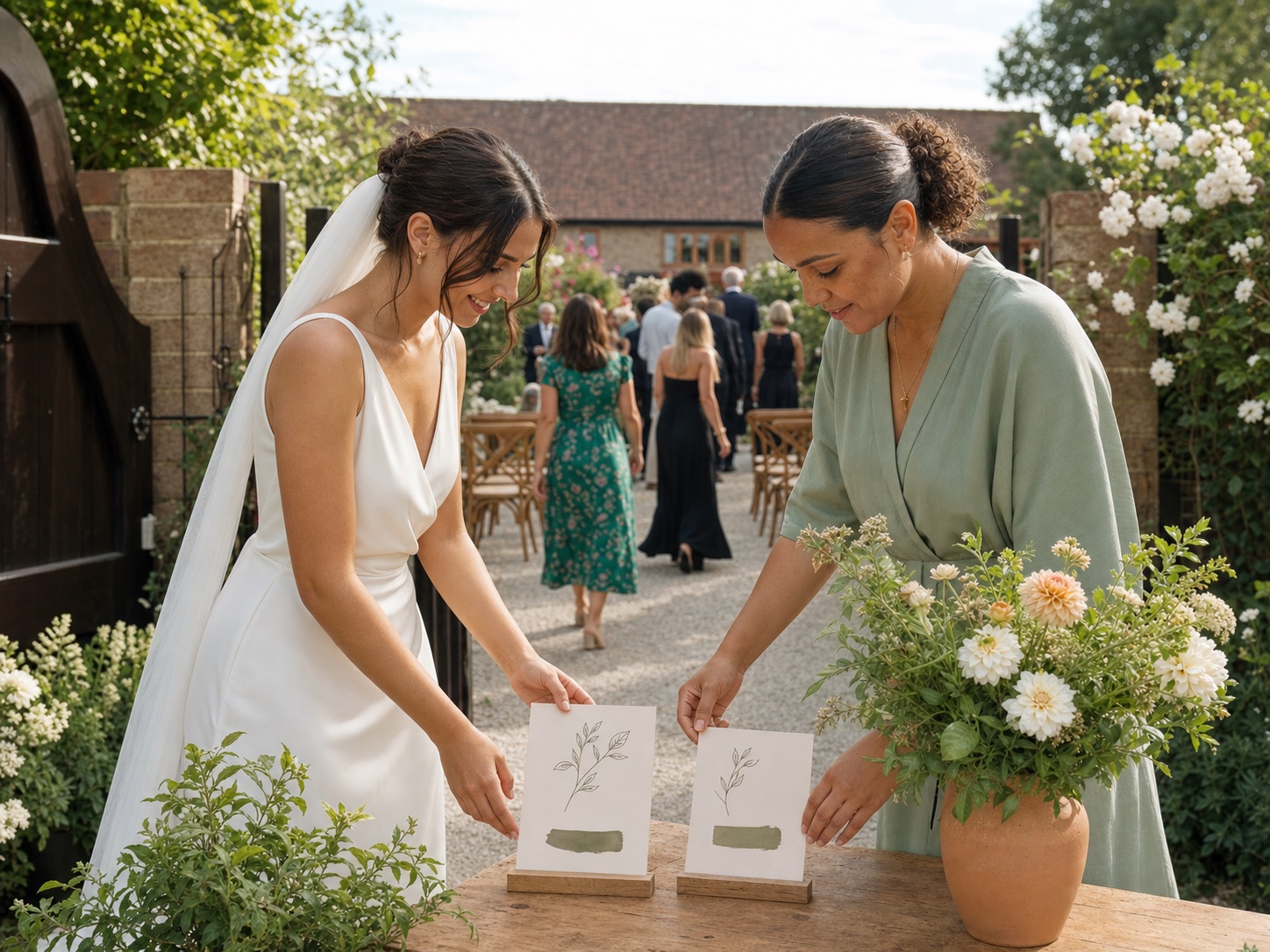
Use literal wording. “Please keep phones and cameras away during the ceremony” is clearer than a poetic line about being present. Put the message on your website or order-of-day, then ask the officiant to repeat it just before the entrance. A spoken reminder is easier to notice than a sign passed during an emotional arrival. Give guests a clear point when taking photos becomes welcome again.
- Fully unplugged: no guest photos until the ceremony ends
- Seated photos: quiet pictures are welcome, but no aisles or raised screens
- One photo moment: the officiant invites a brief picture before phones go away
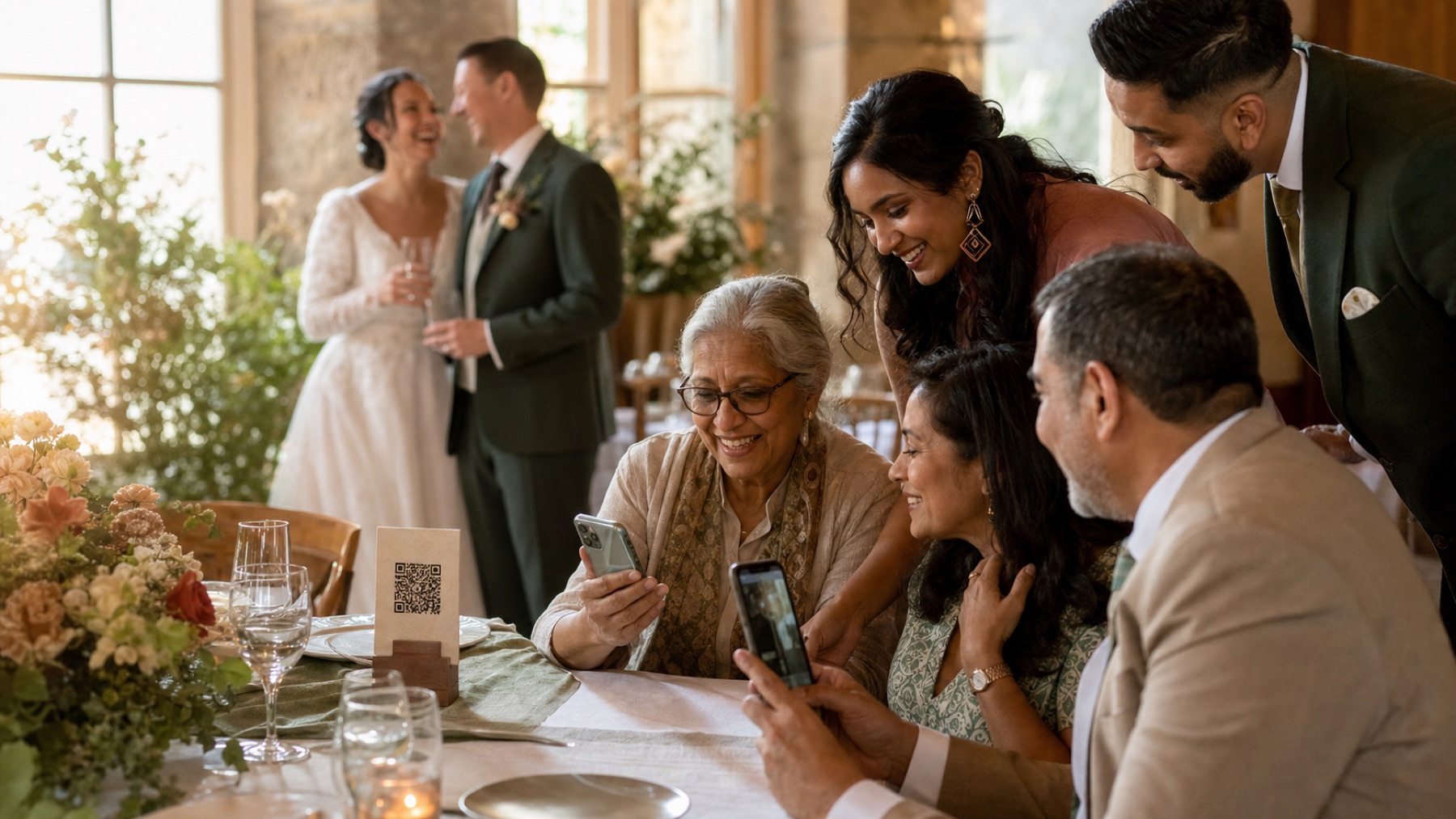
Give guests one private collection pointMake a wedding photo QR code
Use this while you plan
Wedding guest photo estimator
Plan storage with a low-to-high scenario rather than an invented universal average. Your entries stay in this browser unless you choose to download them.
Your event scenario
Planning range
150–780
central scenario: about 360 uploads; not a universal average
Turn the plan into a working guest album
Create the destination your QR code, prompts and reminders lead to.
Separate sharing with you from posting publicly
A private upload to the couple is not the same as an Instagram, TikTok or Facebook post. Say this clearly. Guests can send every useful photo to your private album, while public posting follows a separate rule. This gives you a chance to enjoy the news yourselves, protect people who avoid social media and keep an unannounced dress or venue private.
If you are happy for guests to post, you can still ask them to wait until the ceremony is over or until you have shared your own first photograph. Avoid complicated rules that differ by platform. One short sentence is easier: “Please add everything to our private album; check with people in the photo before posting it publicly.”
- Private upload: shared with the couple or invited gallery audience
- Guest gallery: visible only under the access rules the couple chose
- Public post: visible beyond the wedding group and deserving a fresh permission check
Be especially careful with children and private moments
Parents and guardians should decide whether clear photos of children are shared outside the private wedding group. Do not treat attendance as automatic permission to post a child publicly. Ask before using names, school details, location tags or close photographs. If the answer is unclear, keep the image private.
Use the same care for tears, illness, prayer, getting-ready rooms, breastfeeding, wardrobe problems, personal documents and guests who prefer privacy. A photograph can be meaningful to you without belonging in a slideshow or social feed. Looking through the photos is not about judging the moment; it is about choosing the right audience.
- Keep uncertain images in the couple-only collection
- Do not include room numbers, travel documents or addresses
- Ask before tagging a location while the wedding is still happening
- Remove an image promptly if the person shown asks
Make the professional team’s work possible
Guests should not step into the aisle, block the couple’s view, use flash against instructions or hold a large device above other people. The professional photographer and videographer have planned their position, exposure and movement. One raised tablet can obscure an entrance that cannot be repeated.
This does not make guest photos unimportant. Guest photographs show table conversations, reunions and late-night moments a professional may not cover. Invite those perspectives after the ceremony boundary and give them a simple upload route. Keep the professional gallery and guest collection clearly labelled so nobody confuses edited supplier work with phone candids.
Write kind instructions that people can follow
A wedding is not the place for a page of rules. Put the most important request where it matters and write it as an invitation. Tell guests what to do, why it helps and where their photographs should go. Avoid shaming language about phones or jokes that call guests badly behaved before anything has happened.
For the album, use practical wording such as: “We would love your view of the day. Open your camera, scan this code and add your photos to our private album. No app or account needed.” Add a short privacy line if approved images may be visible to other guests. Use a large, high-contrast QR code and a direct link for anyone who cannot scan it.
- Ceremony: Please keep phones and cameras away until the ceremony ends
- Private album: Add the photos and videos you take to our private wedding album
- Public posting: Please check with people in the photo before posting publicly
- Next day: Thank you for celebrating with us—here is the same link if you still have photos to add
Handle different families and difficult situations quietly
Some weddings include separated families, people who avoid public attention or guests who simply do not want to appear online. Do not ask them to explain in front of others. Give them a private way to tell you or your coordinator, and only pass on what the photographer or person checking photos needs to know.
Look at photos before they appear in a shared gallery or live slideshow. Avoid public guest lists and captions that reveal private relationships. If one person should not see another person’s images, a single shared guest gallery may not be suitable. Keep the album just for you, or use separate albums if that works better for your families.
- Name one private contact for photo concerns
- Keep sensitive instructions off public signage
- Tell the person checking photos what to keep private, not the personal reason
- Choose an album just for you if shared viewing would feel uncomfortable
Set expectations for the morning after
Guests often take more photographs than they upload during the wedding. Send one warm reminder within a day or two. Thank them first, explain that their view matters and include the same direct link. Do not create false urgency or send repeated demands. People may be travelling, caring for children or recovering from a long celebration.
Tell guests if the contribution window will close and when an approved gallery may be shared. Before forwarding somebody’s image to a supplier, publication or public account, ask. Download the original collection and keep two backups before the hosted access period ends. A considerate ending protects the memories as well as the people in them.
Use the complete guest-photo collection planCheck upload and storage periods
Sources and context
- This advice was checked against the current private upload, guest gallery and photo-review experience.
- This is practical etiquette guidance rather than legal advice; privacy and sharing preferences vary between families.
Sources and context
Spot something that needs correcting? Tell the editorial team.
Good to know
Before you choose
Is it rude to ask guests not to take photos during the ceremony?
No. It is reasonable when the request is clear, warm and made before the entrance. Tell guests when photographs become welcome again so the boundary feels easy to follow.
Can guests upload privately but not post on social media?
Yes. Sharing with the couple and publishing to a broad audience are separate actions. A private album lets guests contribute without making the wedding public.
Should we use a wedding hashtag as well as a private album?
Only if you genuinely want public social posts. A hashtag does not collect every original file and does not create privacy. One private destination is simpler when collection is the goal.
What should we do if someone posts a photo we dislike?
Ask them privately and specifically to remove it, without beginning a public argument. If the image creates a safety or privacy concern, report it through the platform as well.
How soon should we remind guests to upload photos?
One warm message within 24 to 48 hours is usually helpful. Include the same direct album link and avoid making the contribution sound like an obligation.
One place for every angle
Your guests will catch the moments you miss.
Give them one beautiful place to share every photo, video and message—then wake up to the whole story of your day.
Start your album