Wedding photo solution
Wedding photo sharing for older guests
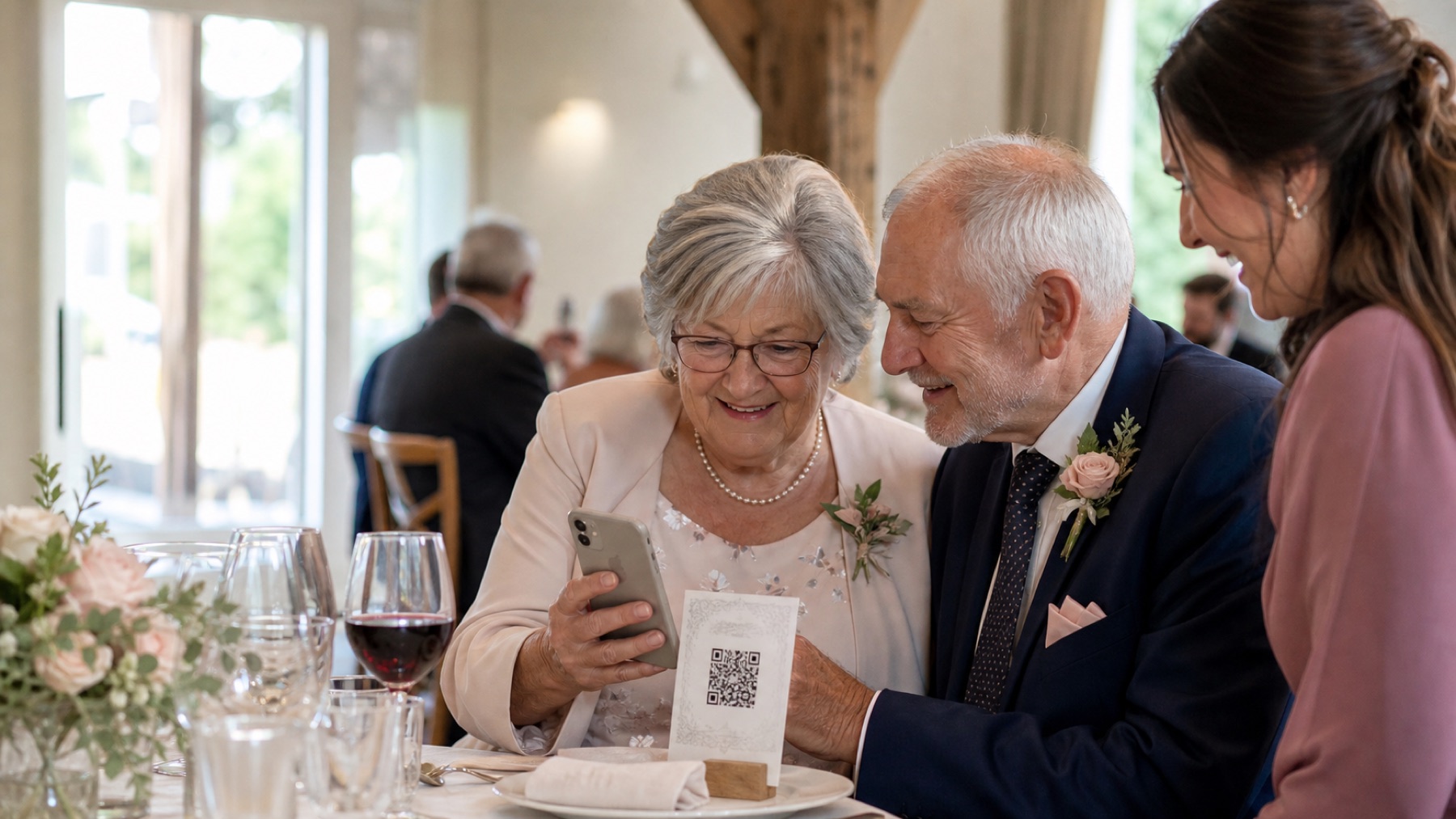
Older guests are not the problem; vague instructions, tiny print and unfamiliar account prompts are.
By The Wedding Pics editorial team · Reviewed
The answer in a minute
Use high-contrast signage, plain language, a large code and one helper who can demonstrate without taking over the phone.
One private route
Share the same tested link and QR code everywhere.
No guest account
Guests contribute from the browser already on their phone.
Couple controlled
Collection, gallery visibility and slideshow approval stay separate.
Write the literal action
‘Open your camera, point it at this square, then tap the link’ is clearer than ‘scan to share the love.’ Keep the romantic line secondary.
Print for real-world vision
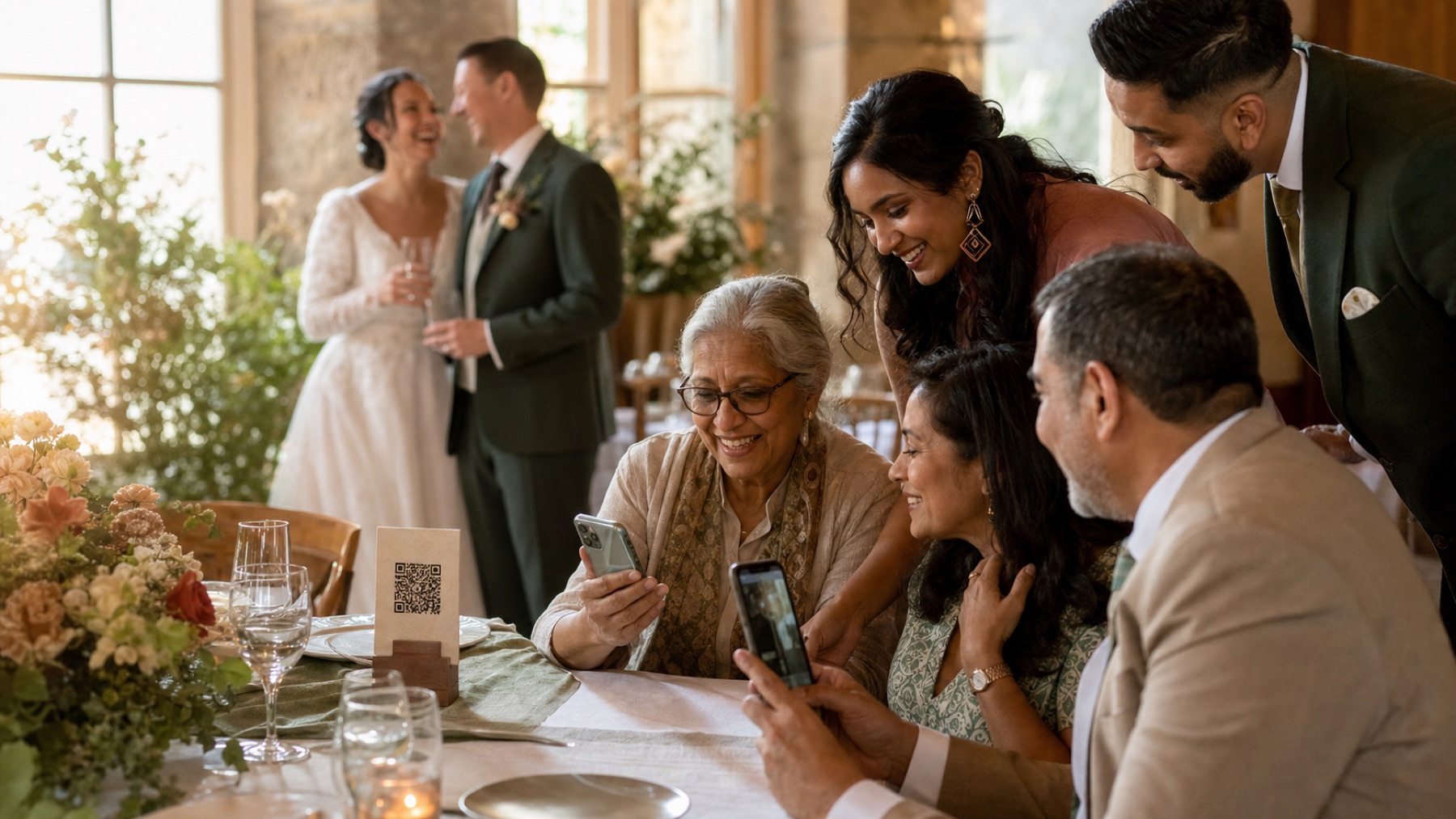
Use generous type, strong contrast and a matte surface. Put the card within reach instead of asking guests to photograph a distant welcome sign.
Respect autonomy
Offer help, but let the guest hold their own phone. A short browser flow is easier to remember and repeat later than a sequence of app permissions.
Sources and context
- Verified against the current The Wedding Pics guest upload and host management flows.
Good to know
Before you choose
What should we decide first?
Use high-contrast signage, plain language, a large code and one helper who can demonstrate without taking over the phone. Whichever route you choose, try the full guest journey on a signed-out phone before you print a sign or share the link.
How should we test it before the wedding?
Start here: create and test the album before printing. Then ask someone else to repeat the upload on both iPhone and Android, using the exact link your guests will receive.
Where does The Wedding Pics fit?
‘Open your camera, point it at this square, then tap the link’ is clearer than ‘scan to share the love.’ Keep the romantic line secondary. The Wedding Pics gives every guest one private browser upload, with no account to create and no app to install.
No app for guests
See exactly what your guests will see.
Open the live guest album, choose a photo and feel how little stands between a camera roll and your wedding album.
Try it as a guest