Wedding photo solution
How to collect rehearsal dinner photos from everyone
The rehearsal dinner often feels calmer than the wedding day. People have time to talk, families are meeting properly and the professional photography team may not be there. That makes guest photos especially valuable.
By The Wedding Pics editorial team · Reviewed
The answer in a minute
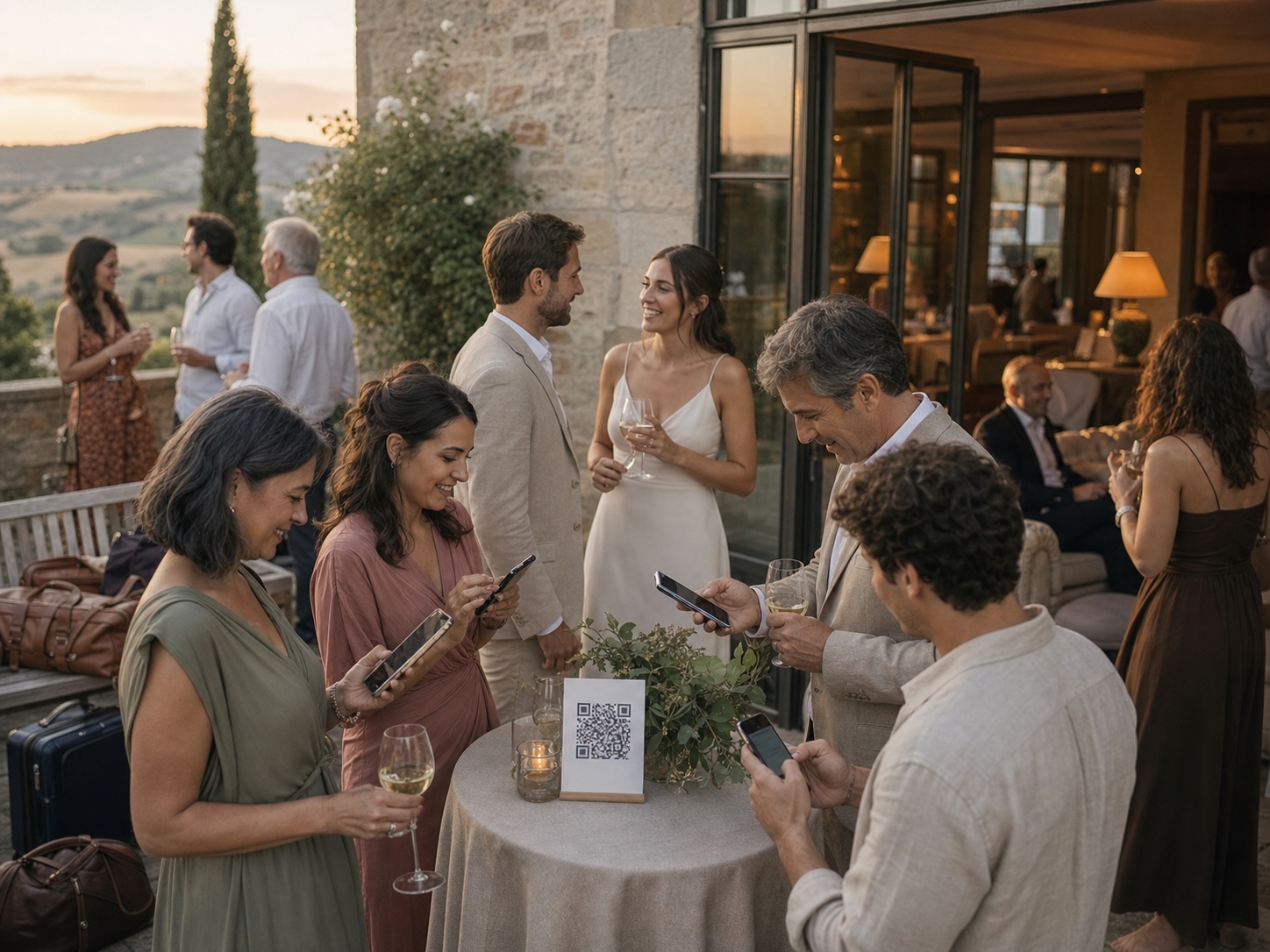
Open your main wedding album before the dinner, place the QR code where people sit and invite photographs, short toast videos and older family pictures. Treat the evening as both a memory and a useful test for tomorrow.
One private route
Share the same tested link and QR code everywhere.
No guest account
Guests contribute from the browser already on their phone.
Couple controlled
Collection, gallery visibility and slideshow approval stay separate.
Make it the first chapter, not another loose folder
Use the same private album you will use for the wedding. A separate rehearsal link creates another place to check, organise and download. If your album supports sections, give the dinner its own clear label behind the shared entrance.
Add a welcome photograph before guests arrive. It reassures people that the link is genuine and shows what the collection is for. Keep the page private until you are ready, especially if decorations, outfits or other wedding-day details should remain a surprise.
Invite the photographs a professional may not cover
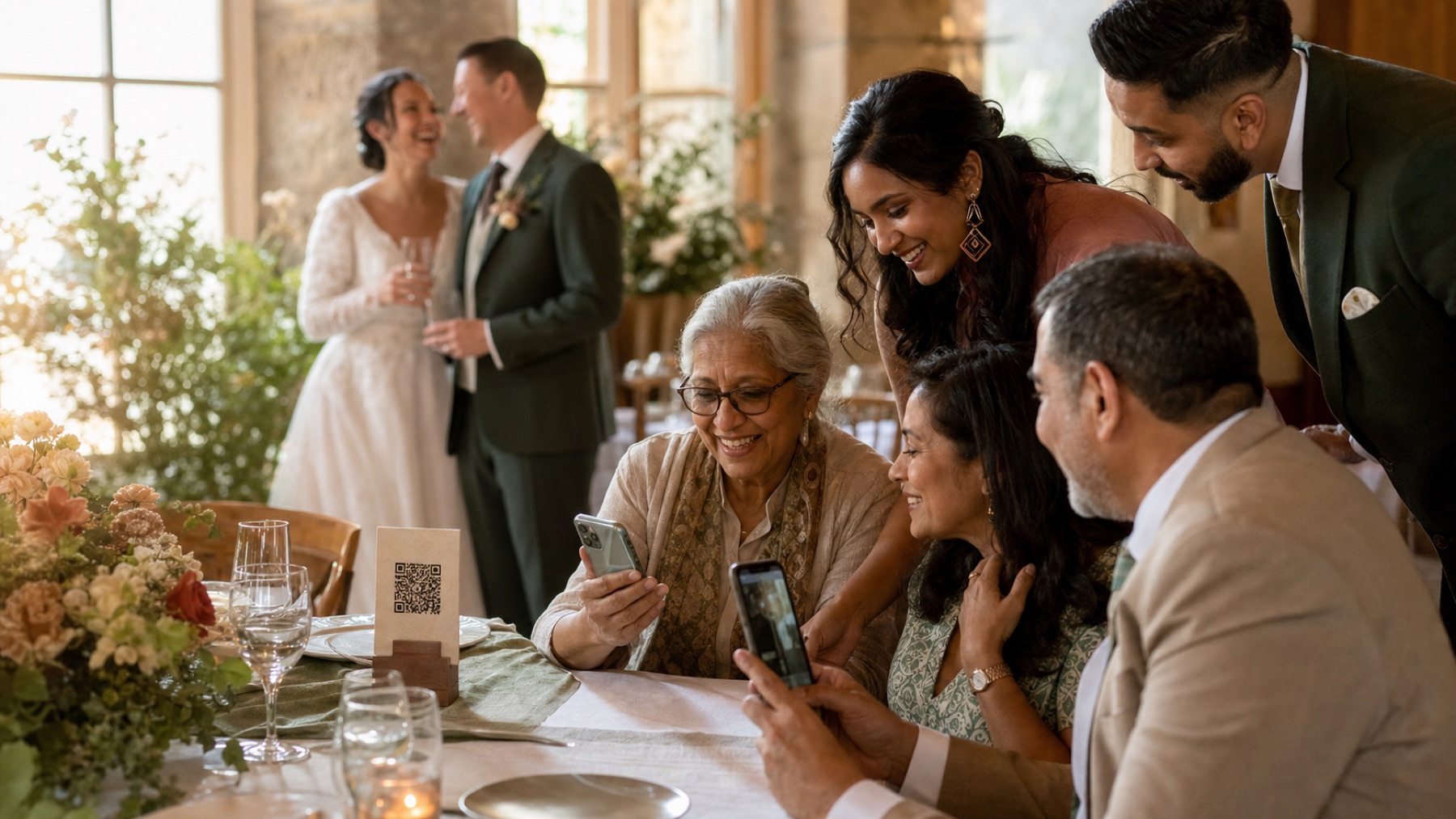
Ask for arrivals, family reunions, table conversations and the little moments before and after toasts. These are often more useful than another posed group photograph. If a speech includes a family story, a short guest video can preserve the voice and reaction around the room.
Do not ask everybody to film every toast. One or two complete recordings are enough, and guests should be free to listen. A simple line from the host can invite contributions without making the dinner feel managed.
- People greeting after a long journey
- The view from each end of the table
- Reactions during a toast
- Family members sharing old photographs
Use prompts that bring family history into the album
The dinner is a good time to ask for more than pictures taken that evening. Invite relatives to upload an older photograph of either partner, a picture from when the couple met or a short written memory connected to a toast.
Keep the prompt broad enough for newer friends and partners too. ‘Share a favourite memory or a wish for tomorrow’ gives everybody a way in. A guestbook should welcome different relationships rather than testing who has known the couple longest.
Test your exact wedding-day setup
Print the QR card at the same size and on the same paper you plan to use tomorrow. Scan it from a seated position under the real evening lights. Upload one photo and one video using venue Wi-Fi, then repeat with mobile data.
Watch for practical problems: glare on the card, a password guests cannot access, weak signal in a side room or wording that needs explanation. Fixing one small issue tonight can prevent dozens of questions during the reception.
Keep tomorrow's surprises private
Pictures may reveal outfits, flowers, seating plans or a private gift. Let new uploads arrive for couple review before they appear in a guest gallery or slideshow. Tell guests if the dinner collection is private and ask them to wait before posting wedding details publicly.
Moderation simply means checking a photo before other guests see it. It is not about making every image perfect. It gives you a calm chance to protect surprises, children and personal moments while still welcoming a broad private collection.
Carry the familiar route into the wedding day
Once guests have used the link at dinner, they will recognise it tomorrow. Keep the same design and wording on your reception cards. There is no need to teach a new process when everybody is busier.
With The Wedding Pics, guests can return through the same link or QR code without an app or account. Send it once more after the weekend for anyone who kept photographs on their phone. Then export the full story together instead of chasing a rehearsal folder separately.
Sources and context
- The study identifies rehearsal dinner as a common part of multi-day celebrations and highlights guest experience as the main planning priority.
- The advice treats the smaller event as a real-world test without shifting technical responsibility onto the couple during dinner.
Sources and context
Spot something that needs correcting? Tell the editorial team.
Good to know
Before you choose
Do we need a separate rehearsal dinner photo app?
No. One wedding album is easier. Use a rehearsal section inside it if you want the files organised separately.
Should the QR code go on every rehearsal dinner table?
For a small dinner, one card per table or menu group is enough. It should be close enough to scan while seated and should not compete with the meal or speeches.
Can guests upload old family photographs?
Yes, if the service accepts ordinary camera-roll images. A clear photograph or scan of an older print can add family history to the weekend album. Preserve the physical original separately.
What should we test at the dinner?
Test print glare, QR size, Wi-Fi, mobile data, one photo, one video and the wording. Ask somebody who did not set it up to try without help.
Can guests use the same link tomorrow?
Yes. A stable browser link is one of the benefits of using the main wedding album from the start.
One place for every angle
Your guests will catch the moments you miss.
Give them one beautiful place to share every photo, video and message—then wake up to the whole story of your day.
Start your album