Wedding photo solution
No-app wedding photo sharing
One-day events do not justify asking every guest to install permanent software.
By The Wedding Pics editorial team · Reviewed
The answer in a minute
Use a camera-scannable code that opens an event-specific browser upload and keeps host controls behind the couple’s sign-in.
One private route
Share the same tested link and QR code everywhere.
No guest account
Guests contribute from the browser already on their phone.
Couple controlled
Collection, gallery visibility and slideshow approval stay separate.
Remove the two biggest drop-off points
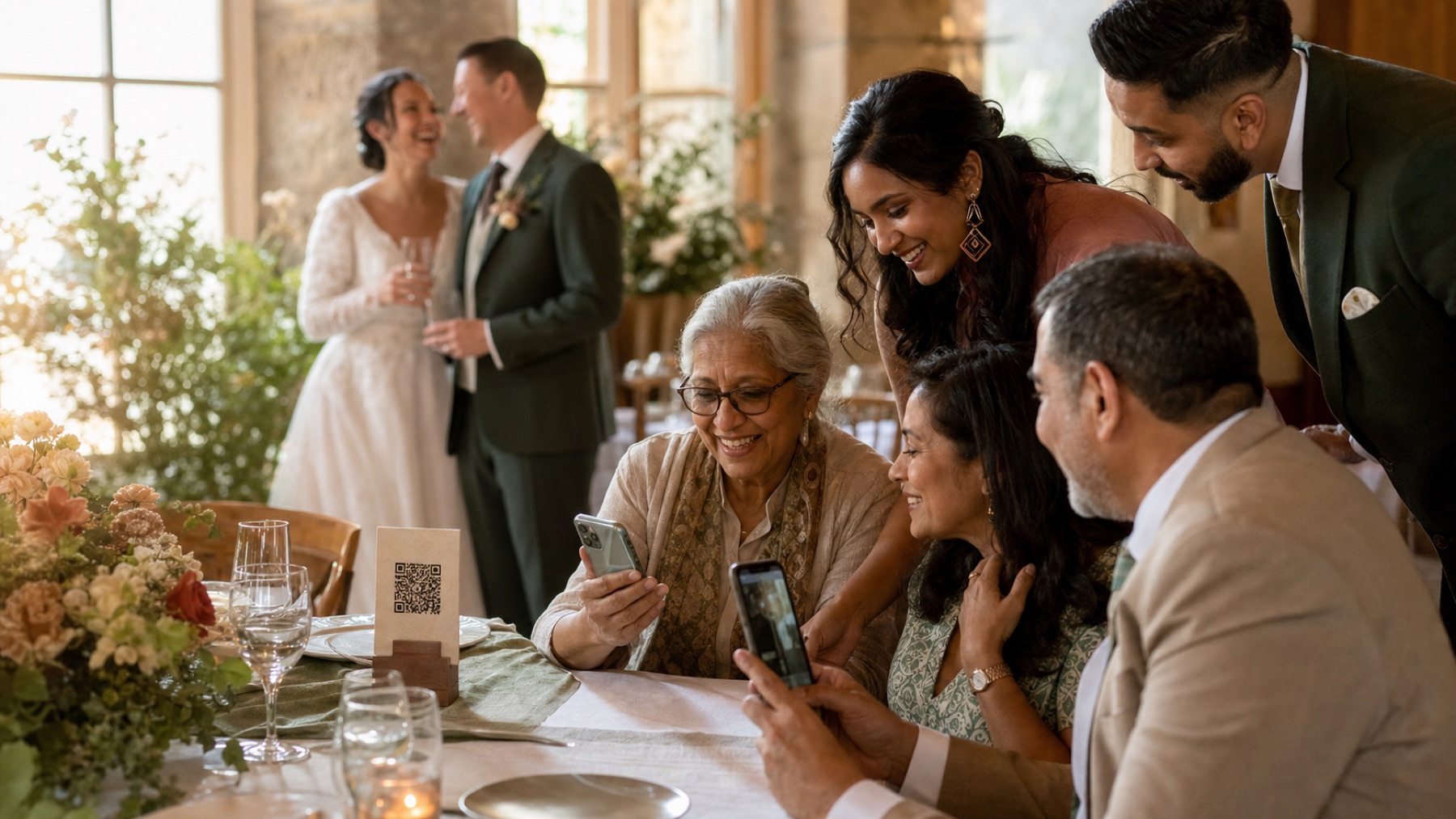
App-store visits and account forms turn a spontaneous contribution into a task. Browser upload lets the guest begin while the invitation is still in view.
Keep privacy without guest accounts
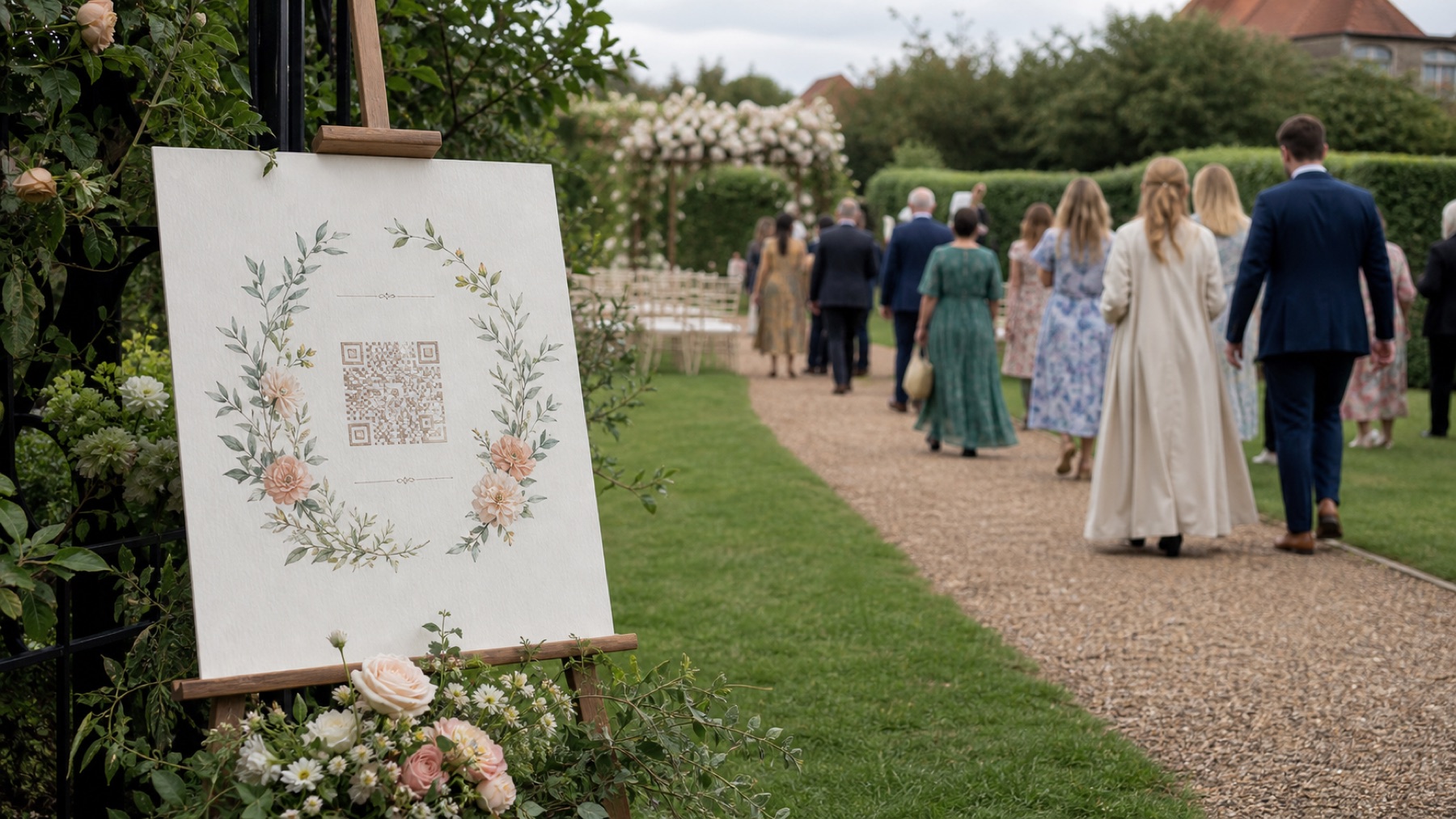
An account-free contributor does not need an open public gallery. The event link can accept files while the couple controls visibility and approval.
Test the oldest likely phone
A current flagship is not a representative test. Try a smaller screen, mobile data and a relative who did not help design the workflow.
Sources and context
- Verified against the current The Wedding Pics guest upload and host management flows.
Good to know
Before you choose
What should we decide first?
Use a camera-scannable code that opens an event-specific browser upload and keeps host controls behind the couple’s sign-in. Whichever route you choose, try the full guest journey on a signed-out phone before you print a sign or share the link.
How should we test it before the wedding?
Start here: create and test the album before printing. Then ask someone else to repeat the upload on both iPhone and Android, using the exact link your guests will receive.
Where does The Wedding Pics fit?
App-store visits and account forms turn a spontaneous contribution into a task. Browser upload lets the guest begin while the invitation is still in view. The Wedding Pics gives every guest one private browser upload, with no account to create and no app to install.
No app for guests
See exactly what your guests will see.
Open the live guest album, choose a photo and feel how little stands between a camera roll and your wedding album.
Try it as a guest