Wedding photo solution
Collect wedding photos from guests
The best time to collect a guest photo is while the guest still has the phone in their hand.
By The Wedding Pics editorial team · Reviewed

The answer in a minute
Create one album before the wedding, repeat its QR code across the venue and send the same link the next morning.
One private route
Share the same tested link and QR code everywhere.
No guest account
Guests contribute from the browser already on their phone.
Couple controlled
Collection, gallery visibility and slideshow approval stay separate.
Put the code where guests pause
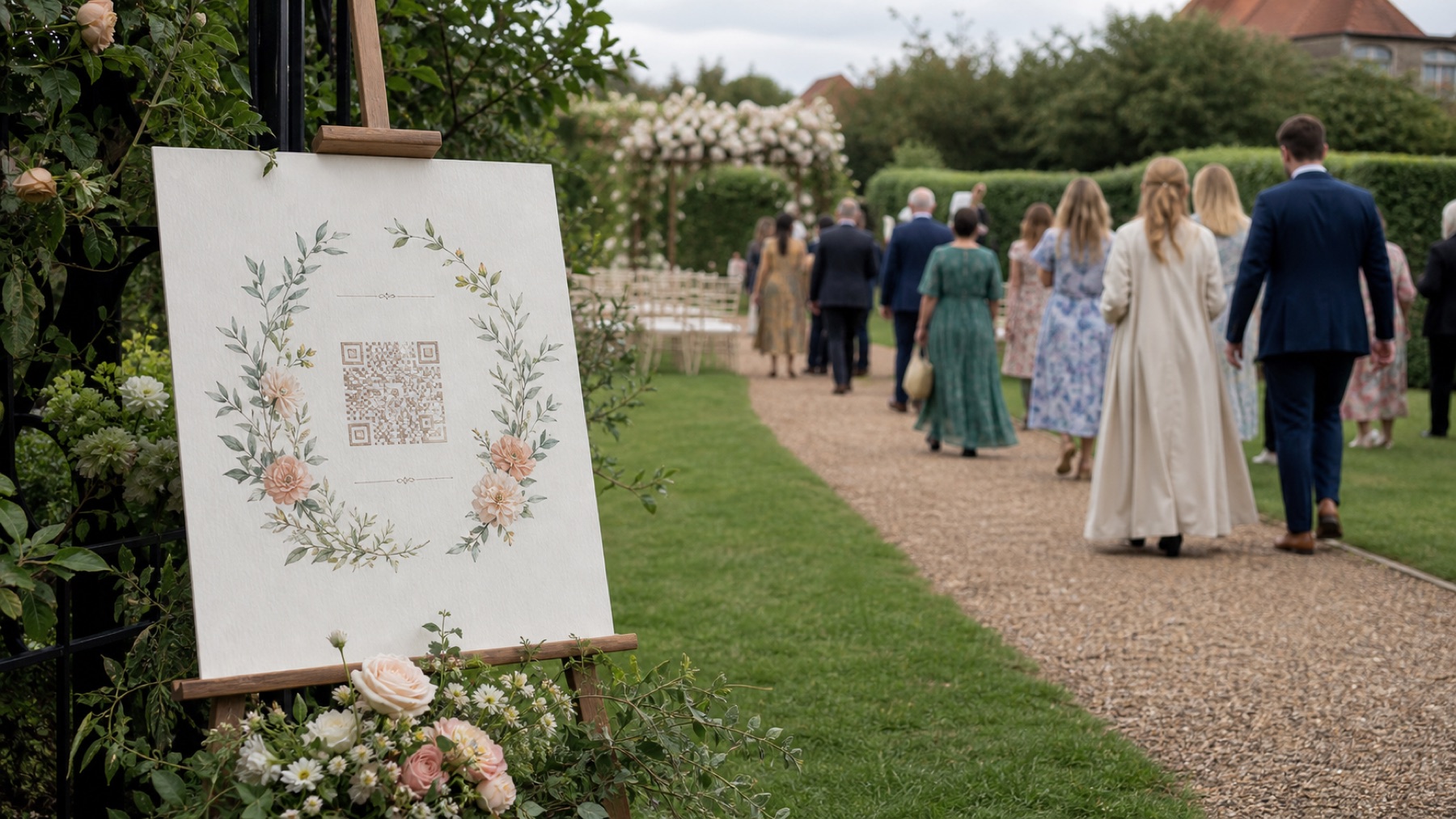
Table cards work because people have time to scan between courses. Add a welcome sign and a bar card so the instruction is encountered more than once.
Make the first upload obvious
Name the couple, state what to share and offer one primary button. Do not bury the upload behind a gallery tour.
Follow up while memories are fresh
A short message after breakfast captures photos from guests who were busy dancing or had poor signal at the venue.
Sources and context
- Verified against the current The Wedding Pics guest upload and host management flows.
Good to know
Before you choose
What should we decide first?
Create one album before the wedding, repeat its QR code across the venue and send the same link the next morning. Whichever route you choose, try the full guest journey on a signed-out phone before you print a sign or share the link.
How should we test it before the wedding?
Start here: create and test the album before printing. Then ask someone else to repeat the upload on both iPhone and Android, using the exact link your guests will receive.
Where does The Wedding Pics fit?
Table cards work because people have time to scan between courses. Add a welcome sign and a bar card so the instruction is encountered more than once. The Wedding Pics gives every guest one private browser upload, with no account to create and no app to install.
One place for every angle
Your guests will catch the moments you miss.
Give them one beautiful place to share every photo, video and message—then wake up to the whole story of your day.
Start your album