Trust centre
Security and privacy at The Wedding Pics
Wedding media deserves clear access controls, plain-language retention information and a responsible route for reporting concerns.
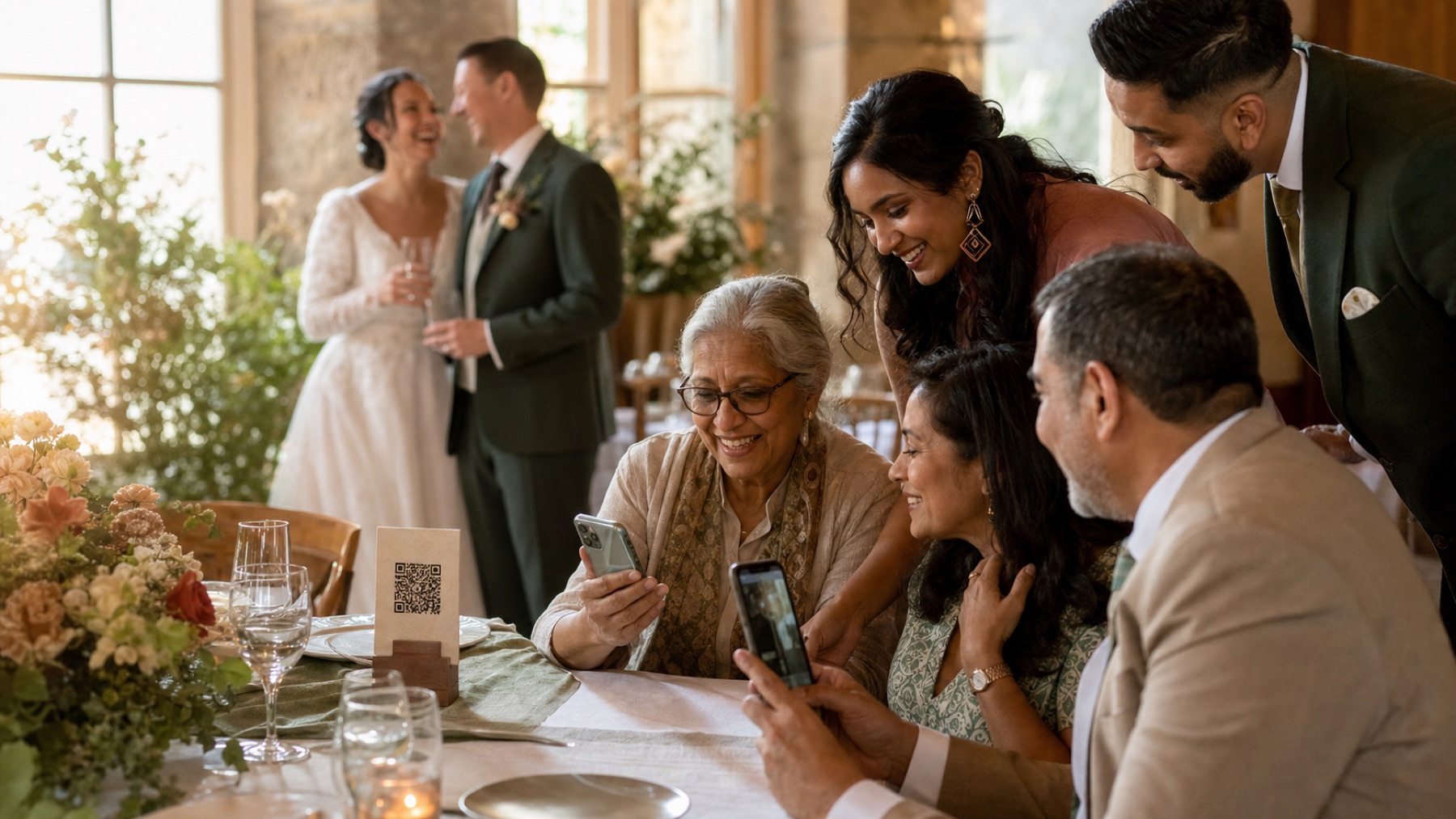
Private by design
Guest contribution and couple management are separate flows; couples control what appears in shared views.
Retention you can plan around
Plan storage dates are stated so couples can schedule original-file exports and preserve their own copies.
Report a concern
Security reports are triaged privately and corrections are documented when public guidance changes.
Separate guest contribution from couple management
Guests use a private link made for your wedding. They do not receive your couple dashboard, password or account details. Signing in protects the controls used to manage the album, while the guest link allows only the wedding tasks you have chosen. Never put an owner password on a sign or in a group chat. If a helper needs to approve photos, give them a limited helper role where one is available, then remove it after the event.
Keep original media private in storage
Original photos, videos and audio are kept in a locked online store rather than a public folder. Before a file can move, the trusted part of the service checks the wedding, plan dates, available space and file rules. It then gives the phone a link that works for a short time. Large files travel straight between the guest’s browser and private storage. Smaller gallery previews are separate copies and appear only when the album’s approval settings allow them.
Enforce limits on the server
The page on a guest’s phone can offer helpful prompts, but the service must check the rules again in its trusted systems. Those checks cover file type, file size, album space, upload dates, approval and paid plan access. A payment provider must confirm a purchase before paid features are opened; simply landing on a success page is not enough. Guests also never write straight into the main database. These checks keep the same rules in place across different phones.
Make shared galleries an explicit choice
A contribution link, approved guest gallery and slideshow can have different audiences. Couples decide whether uploads remain owner-only or approved items appear in shared views. Public galleries and slideshows should show only allowed, approved media. Tell guests about the real audience before upload and provide a removal route. A QR code is only a link; the destination settings create the access model.
Protect important owner accounts
Use a password that you do not use anywhere else. Turn on two-step verification where it is offered; this asks for a second check as well as your password. Keep your recovery email up to date and notice unexpected login or billing messages. The National Cyber Security Centre recommends this extra check for important accounts. Do not reuse a wedding supplier password or send yours to a temporary helper. Sign out old devices and remove helper access after the final download.
Plan retention, export and deletion separately
Give yourselves enough time to collect, approve and download every original. Write down the upload closing date and the date online storage ends before the wedding. Download the full collection, compare the item count and open several large photos and videos. Make another backup in a separate safe place before asking for deletion. The main copy and a recovery copy may be removed at different times, so the service should explain both dates in plain language.
Use layered abuse and reliability controls
A guest album needs protection from automated spam, but that should not force every relative to create an account. A quick challenge can help show that a real person is uploading. The service still checks every file and wedding rule. It may also limit how many requests arrive at once, use links that expire quickly, watch for faults and retry safe background jobs. No single step creates perfect security. Several clear checks work together to keep the wedding journey reliable.
Report concerns privately and responsibly
Send a security concern through the private contact route. Include the page, time, what you expected and safe steps that help the team repeat the problem. Never place another family’s private media in a public post. The team looks first at how many people could be affected and deals with urgent protection before writing a longer explanation. Help pages should be corrected whenever the product or advice changes.
Questions, answered
Are wedding photos publicly accessible?
Original media is kept in private storage. Shared views depend on the event’s audience and approval settings.
Do guests need database or owner access?
No. Guests use a limited event route and never receive privileged database credentials or the couple dashboard.
Does a QR code make an album secure?
No. It is a link. Security comes from the destination, server checks, access rules and careful sharing.
What should couples do before online storage ends?
Export all media, verify counts and large files, then make another backup in a separate safe place.
How do you report a security concern?
Use the private reporting contact and include safe reproduction details. Never post somebody else’s private wedding media publicly.
What can couples do to protect their album?
Use a unique owner password, enable two-step verification where available and keep the guest link inside the invited group. Review helpers, gallery audience and slideshow settings before the day. Export and verify every original before online storage ends. Contact support quickly about unexpected access, and avoid posting private event links in public profiles or livestreams.
Sources and review context
- NCSC: protect important accounts
- NCSC: back up important data
- ICO: advice about recognisable photographs
Reviewed on 2 August 2026. Product details and external guidance can change.
One place for every angle
Let your guests tell the rest of the story.
Create one private album for every photo, video and message they capture while you are busy getting married.