Partner programme
The Wedding Pics for wedding partners
Give every couple a tested upload flow without adding another complicated task to the wedding-day run sheet.
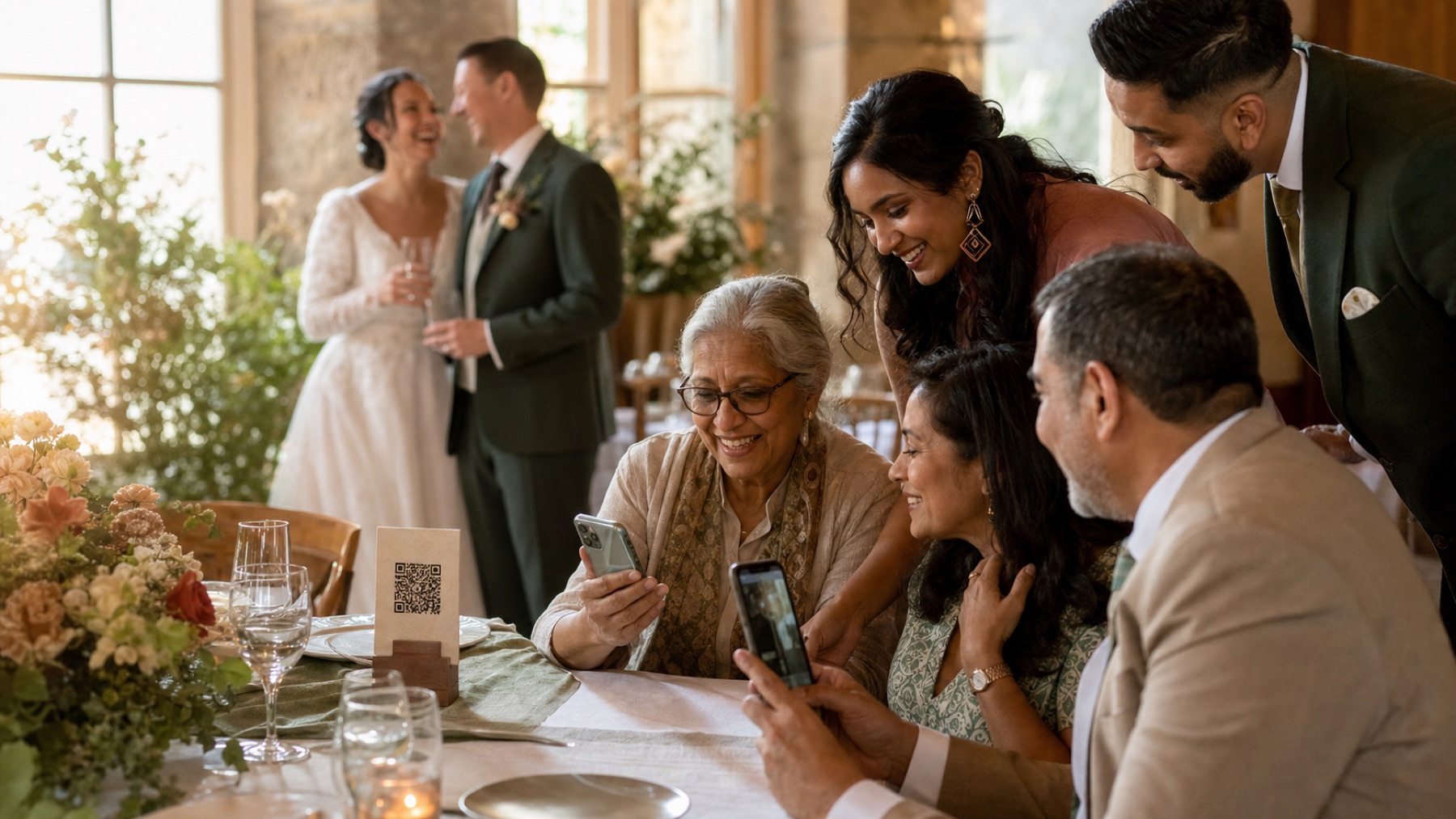
For venues
Standardise QR placement and connectivity checks while each couple keeps a private album.
For planners
Add the upload owner, reminder and export date to the existing event checklist.
For photographers
Keep professional delivery separate while giving couples an organised home for guest perspectives.
Give each couple ownership of their private album
A venue, planner or photographer can recommend the service without owning every wedding album. The couple should control their account, privacy choices, guest link, photo approval and final download. A partner can follow a clear checklist and help with setup. Keeping those roles separate means private family pictures never sit behind a supplier’s shared login. It also makes the handover after the wedding much simpler.
For venues: make connectivity evidence practical
Test phone signal and guest Wi-Fi in the ceremony space, dining room, terrace, basement and marquee. Write down the date, phones and conditions. Do not promise that coverage is always excellent. Give couples the network name, clear sign-in steps and an honest idea of how busy it gets. Suggest a next-day upload message and a slideshow saved on the display device. Weak signal may delay new files, but it should not interrupt the celebration.
For venues: standardise useful QR placements
Offer couples a simple map for the welcome area, reception tables, guestbook and other places where people pause. Keep QR cards away from a phone-free ceremony. Check the final signs after flowers, menus and lighting are in place. Print a short web link below each code and use clear wording. The couple provides one final album link. The venue helps make sure guests can see and reach it.
For planners: put ownership into the run sheet
Name the person who creates and tests the album. Also name who checks the signs, approves live photos, runs the slideshow, sends the next-day message and downloads the final collection. These are small jobs, but leaving them unnamed sends every problem back to the couple. Add simple backup steps to the run sheet: a saved slideshow, spare cards, uploads that can wait and a private way to remove an uncomfortable picture.
For photographers: keep professional and guest work distinct
Guest photos complement professional coverage with table reactions, travel and late-night moments. They do not replace agreed formal groups, lighting skill or guaranteed capture. Keep professional delivery in its own folder with the licence. Decide whether the photographer wants access to selected guest originals and how credit works. Never imply that uncontracted guest coverage is the photographer’s responsibility.
For content creators and videographers: agree the overlap
A content creator may deliver quick phone clips and edited social videos. A guest album collects informal views from friends and family. Explain both routes so the creator is not competing with guests or standing in the videographer’s place. Agree who may post footage and where the unedited files will arrive. The couple can mix selected copies later while keeping each original and its usage rights separate.
Support older relatives and mixed devices
Test the guest route signed out on older and newer iPhones and Android phones. Avoid app or account requirements when the couple wants broad participation. Print a readable URL under the QR code and brief one friendly helper. Nobody should take an unlocked phone or browse a camera roll without clear permission. Allow guests to upload later through the same direct link.
Close with a verified couple handover
Set the upload, viewing and download dates before the wedding. The couple should download every original, compare the item count and open several large files. They keep one untouched master and another backup away from the main computer. Remove temporary partner or helper access afterwards. The handover is complete when the couple has control, clear files and no surprise job left for later.
One place for every angle
Let your guests tell the rest of the story.
Create one private album for every photo, video and message they capture while you are busy getting married.