Practical wedding guide
Comment créer un album de mariage partagé où les invités peuvent envoyer leurs photos
Créez une collection privée facile à ouvrir, partagez un seul accès et gardez le contrôle de la confidentialité, de la modération et des téléchargements.
By The Wedding Pics editorial team · Révisé
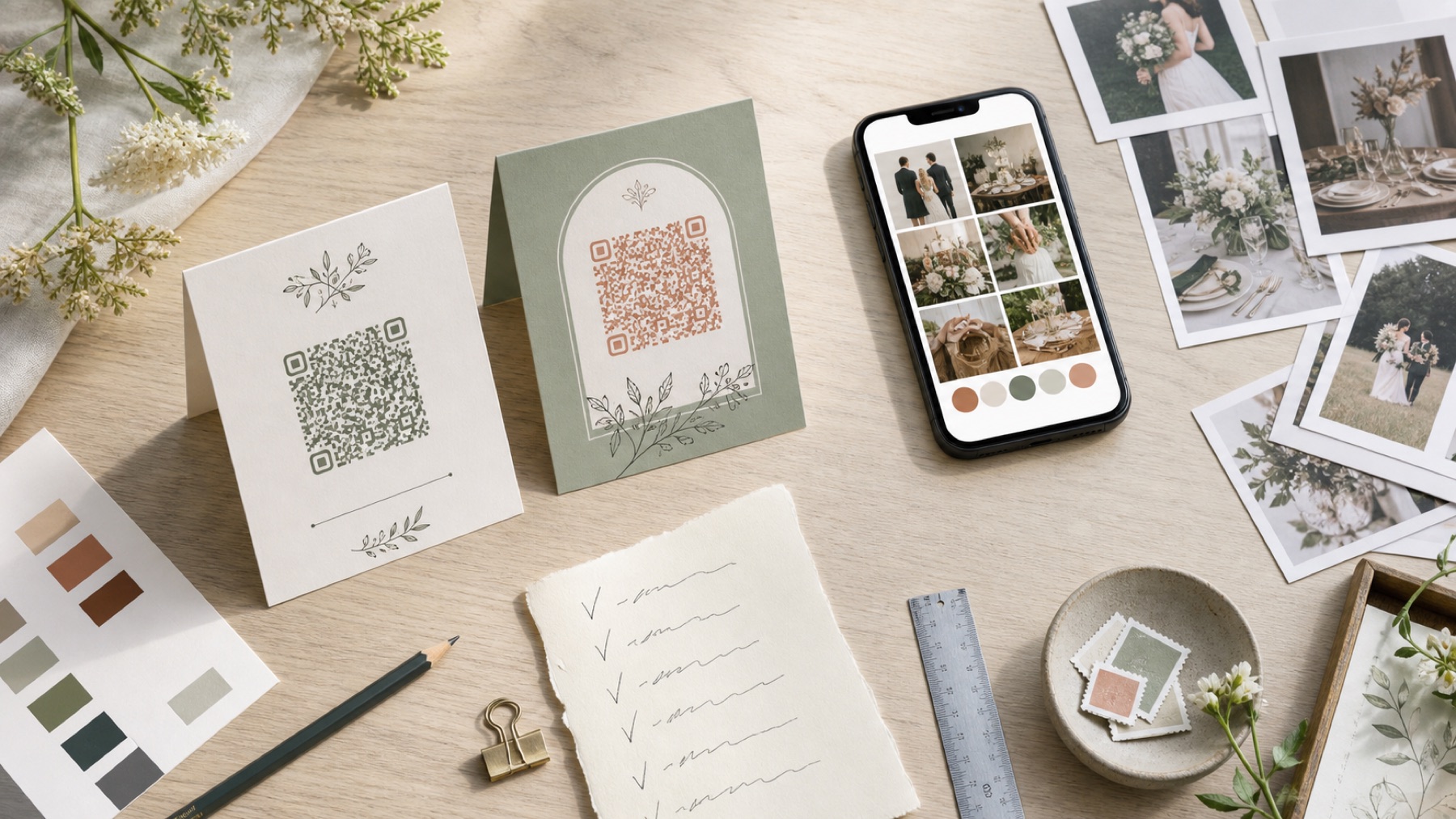
La réponse en une minute
Pour la plupart des mariages, un album accessible dans le navigateur avec un code QR est la solution la plus simple : les invités n'ont ni application ni compte à créer.
Build the album as three layers: collect, curate, keep
Think of the album as a small media system rather than a single gallery. The collect layer is the private inbox where guests send photos, videos and messages. The curate layer is what you approve for family viewing or a live slideshow. The keep layer is the original export you download and back up after the event.
This separation is what makes the setup feel current: guests get a frictionless upload, the room gets a safe highlight reel and the couple does not have to choose between sharing everything immediately or hiding everything until the honeymoon is over.
- Collect privately without an app or guest account
- Curate approved photos, videos and messages for people to enjoy
- Keep original files in an export you control
- Use one clear route instead of splitting guests across chats and hashtags
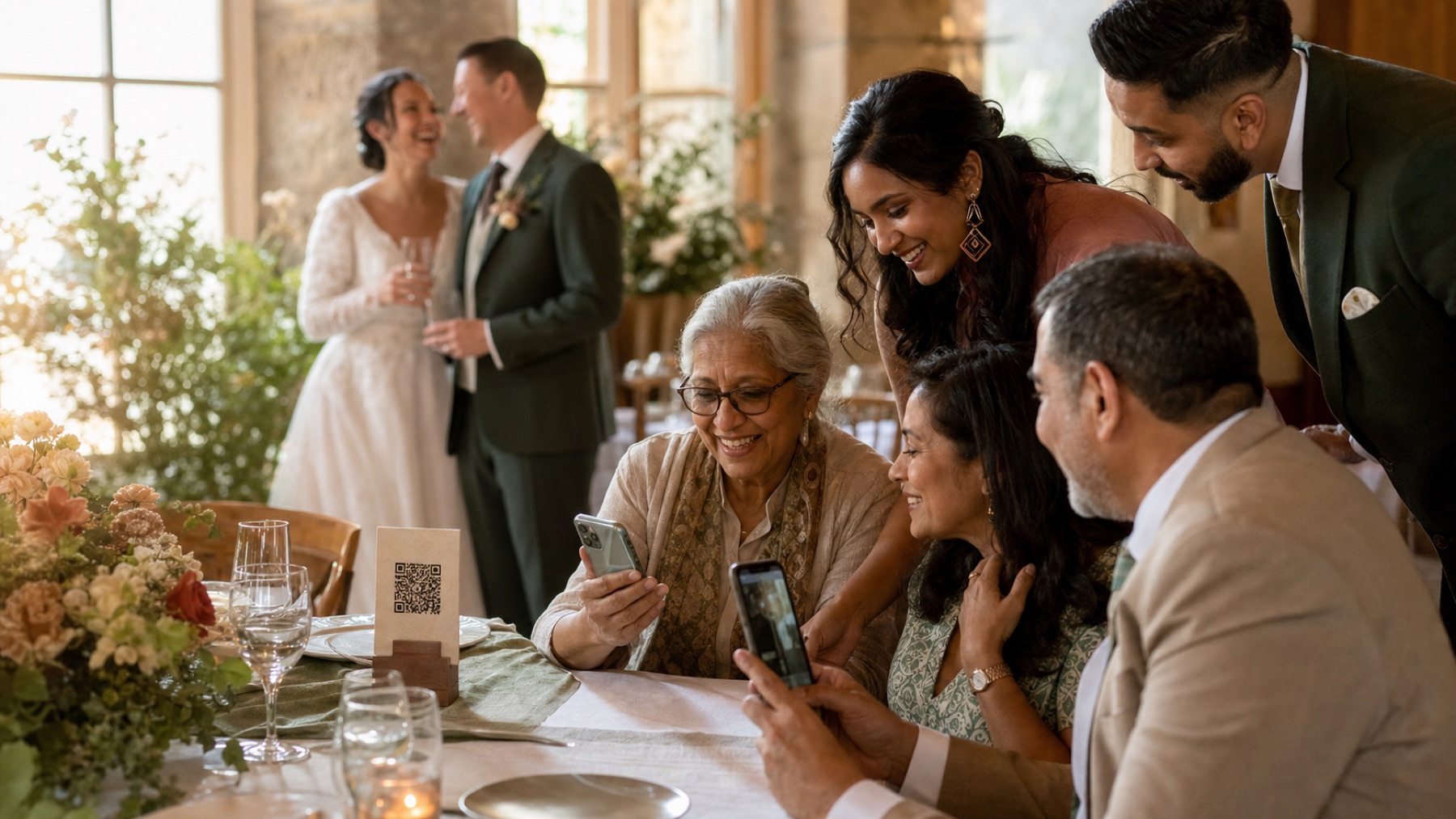
Utilisez-le pendant que vous planifiez
Estimateur de photos d'invités de mariage
Planifiez le stockage avec un scénario allant de bas en haut plutôt qu'une moyenne universelle inventée. Vos entrées restent dans ce navigateur, sauf si vous choisissez de les télécharger.
Votre scénario de mariage
Fourchette de préparation
150–780
scénario central : environ 360 envois ; ce n’est pas une moyenne universelle
Transformez le plan en un album invité fonctionnel
Créez la destination vers laquelle mènent votre code QR, vos invites et vos rappels.
Test the guest journey like a product
Create the wedding album several weeks before the day. Add the date, names and a short welcome message so the page feels intentional when a guest opens it. Then test the complete journey while signed out: scan the code, choose a photo, upload a short video, wait for confirmation and check what the guest sees afterwards.
Treat every hesitation as a design problem. Repeat the test on an iPhone and an Android phone, try mobile data, interrupt a large upload and ask someone who did not help set up the album to repeat the flow. If a guest has to ask what happens next, the page is not ready for the reception.
- Test the printed QR code, not only the design file
- Try a photo, a video and a slower connection
- Confirm that a guest can retry without starting over
- Check the downloaded file against the original
Make one QR code behave like a product
Use the same code everywhere, but give each placement a job. The welcome sign introduces the idea, table cards catch the quiet camera-roll moments, the guestbook or bar area invites messages, and the wedding website keeps the route alive before and after the day.
Keep the instruction literal: ‘Scan to add your photos and videos.’ Add a short typed-link fallback and a small privacy note. The code should have strong contrast, a quiet border and enough size to scan from the distance where it will actually be used. A beautiful sign that makes guests wonder what to do is still a failed interface.
- Place a code at the entrance and where guests sit
- Keep the action sentence larger than the decorative copy
- Give evening-only guests the same route
- Add the link to the wedding website and morning-after message
Turn the uploads into an approved live story
Tell guests what happens after they upload. A private album can collect every candid while the gallery shows only the photos you approve. That separation is useful for children, emotional moments, accidental duplicates and anything that belongs in the couple’s archive but not on a venue screen.
If you are running a live slideshow, nominate one trusted person to approve a steady stream of highlights. Written notes, voice messages and short videos can live alongside the photos, giving the evening a richer rhythm than a wall of automatically rotating images. The rule is simple: collect broadly, display thoughtfully.
- Write down who can upload and who can view
- Keep pending uploads away from a live slideshow
- Nominate a moderator before the wedding
- Ask before reposting identifiable guests on social media
Use the morning-after as a second drop
The reception is only the first collection window. Send one warm reminder the next morning while the camera rolls are still fresh, then leave the same link available for travel photos, getting-ready clips and the moments people forgot to upload in the room. This is especially useful when the venue connection was unreliable.
Ask for a few meaningful gaps rather than ‘everything’: the speech from another table, the dance-floor view from the back, the grandparents leaving, or the photo nobody realised the couple had missed. A specific prompt feels more personal and produces a better second wave.
- Thank guests before asking for anything else
- Leave the upload window open long enough for late contributions
- Ask for missing moments, not an impossible full re-upload
- Keep the archive in two separate places
Sources et contexte
- Verified against the current The Wedding Pics guest upload and host management flows.
Sources et contexte
Vous repérez quelque chose qui doit être corrigé ? Dites-le à l'équipe éditoriale.
Bon à savoir
Avant de choisir
How do I make a wedding album that guests can add photos to?
Create one event album, test its upload page and share it with a QR code and direct link. A browser-based album lets guests add photos from their phone without downloading an app or creating an account.
Can guests upload to a shared wedding album without an account?
Yes. The Wedding Pics lets guests open a private upload page in their phone browser and contribute without a guest login. The couple still uses an authenticated owner workspace for settings, moderation and exports.
Should guests see every photo as soon as it is uploaded?
Not necessarily. Collection and viewing are separate choices. Keeping new uploads private until the couple approves them protects the live gallery and gives you time to handle duplicates, children’s photos and personal moments thoughtfully.
Where should I put the wedding album QR code?
Put the same code in three or four places where guests naturally pause: the welcome sign, table cards, the guestbook or bar area, and the wedding website. Include a readable short link for guests who cannot scan easily.
How long should the shared wedding album stay open?
Keep uploads open through the first post-wedding weeks so guests can contribute from home. Add a reminder date to your calendar, then export the original files before the album’s storage window ends.
What should I do with the shared album after the wedding?
Download an untouched original export, make a separate edited copy for sharing and keep a second backup outside the live album. The hosted gallery is convenient for browsing, but it should not be your only archive.
Un endroit pour chaque point de vue
Vos invités saisiront les moments que vous manquez.
Offrez-leur un bel endroit pour partager chaque photo, vidéo et message, puis réveillez-vous avec toute l'histoire de votre journée.
Commencer l’album
Continuez à planifier
Fonctionnalités
Comparisons
Google Photos vs The Wedding Pics pour les photos des invités au mariage
Lire la suiteComparisons
WhatsApp vs The Wedding Pics pour partager des photos de mariage
Lire la suiteComparisons